
Barcoded and fully tracked.
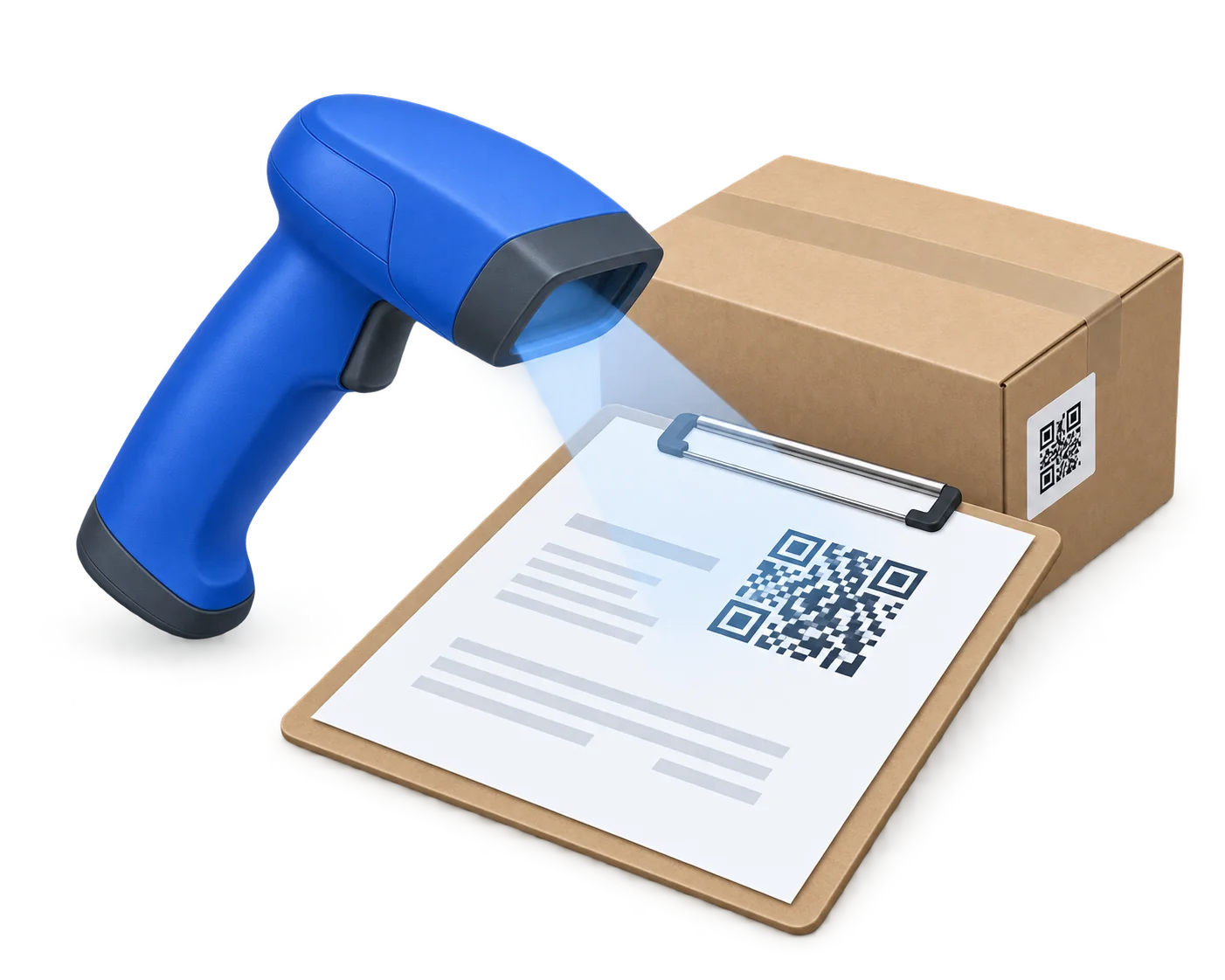
Pull up sales orders, jobs, shipments, and purchase orders in a single scan. Keep your entire shop moving from the front desk to the production floor.
No credit card required. Cancel anytime. Free demo.
- Businesses
- 500+
- Invoices Created
- 400K+
- Payments Processed
- $650M+
Barcodes on everything.
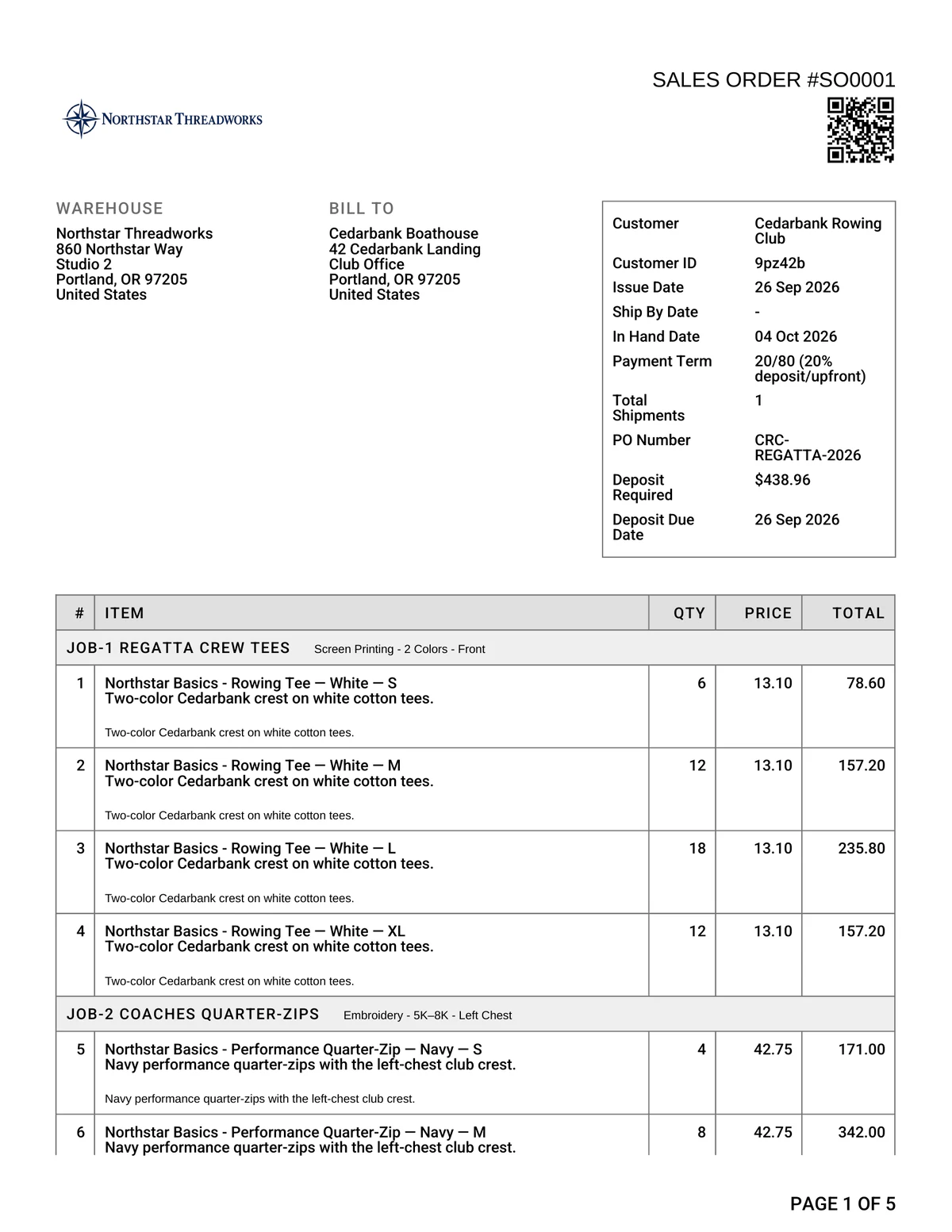
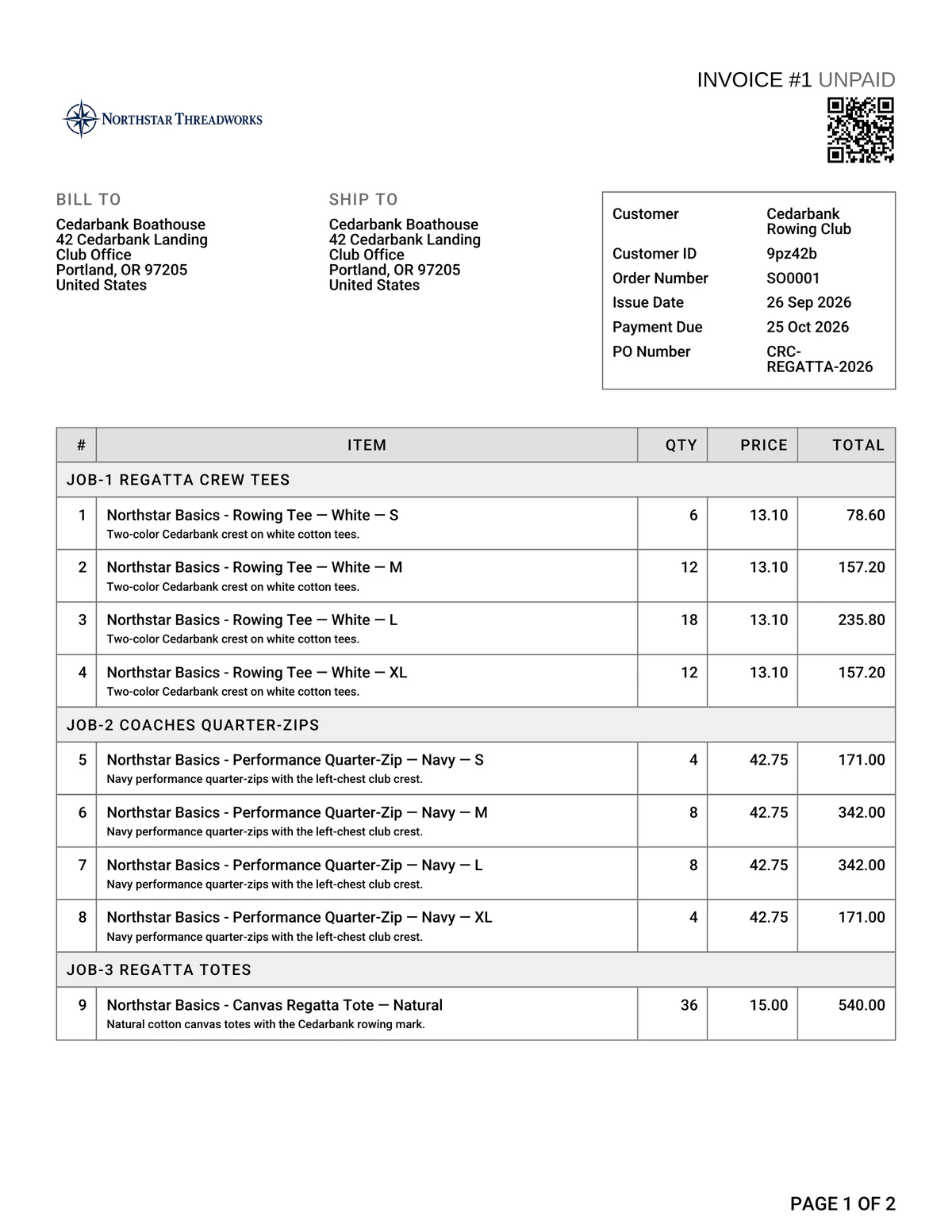
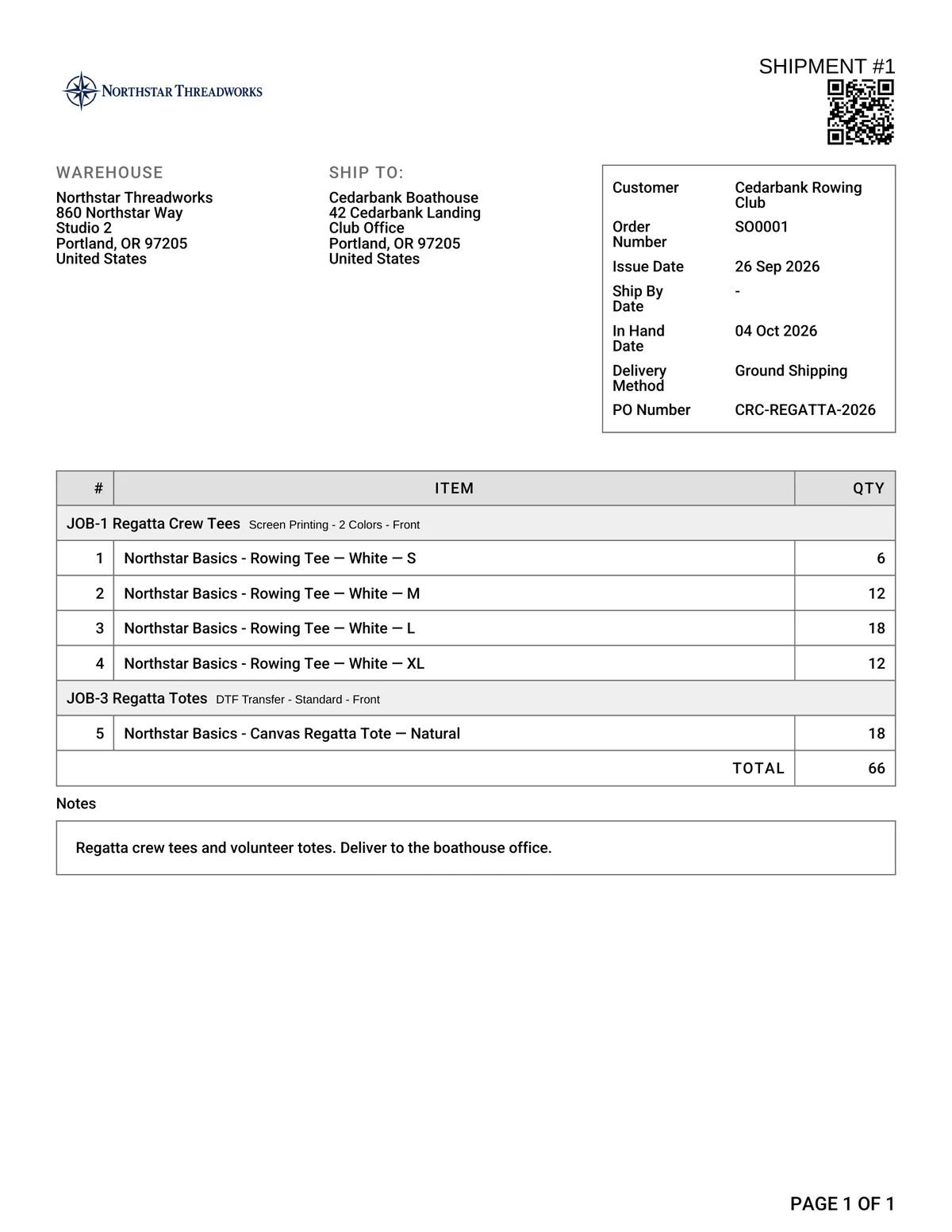
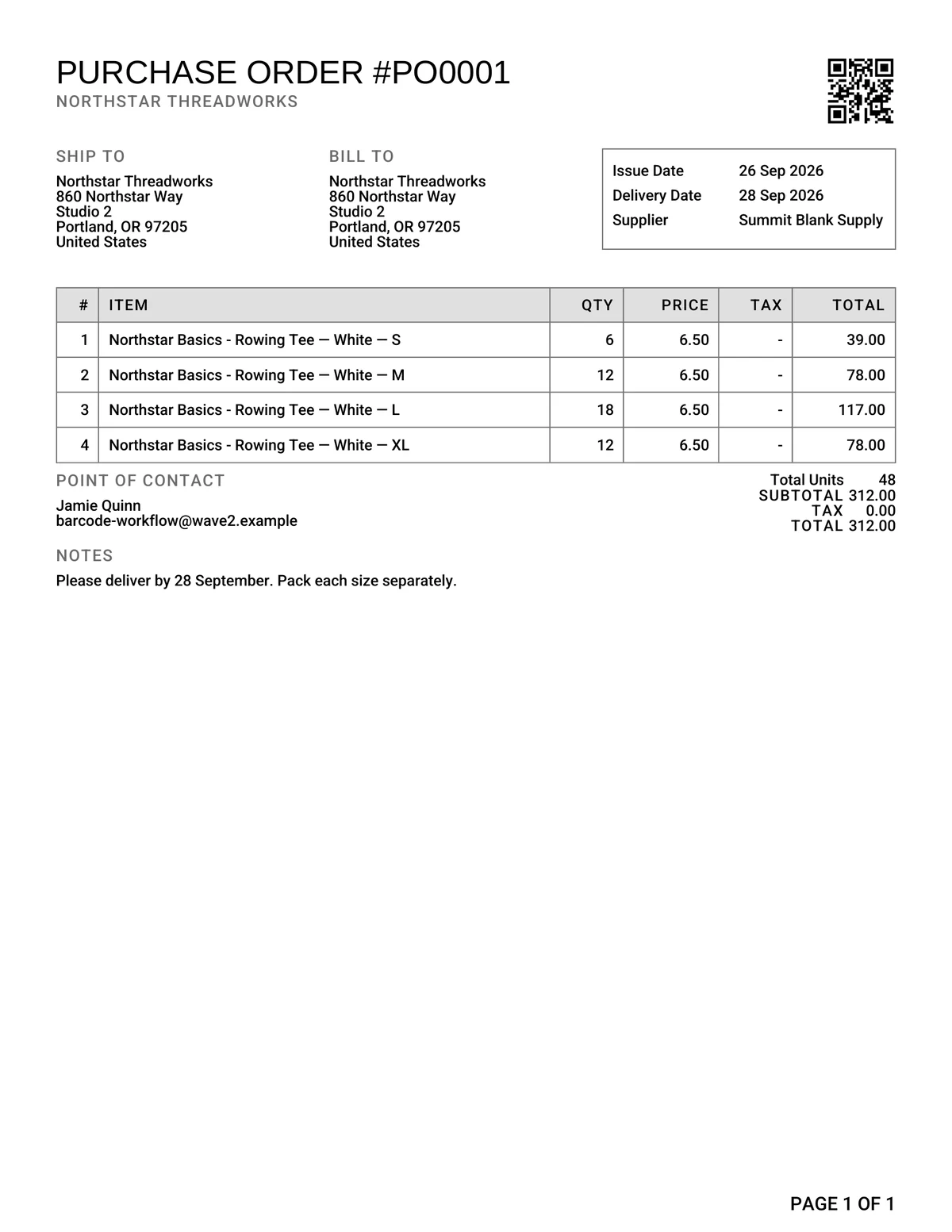
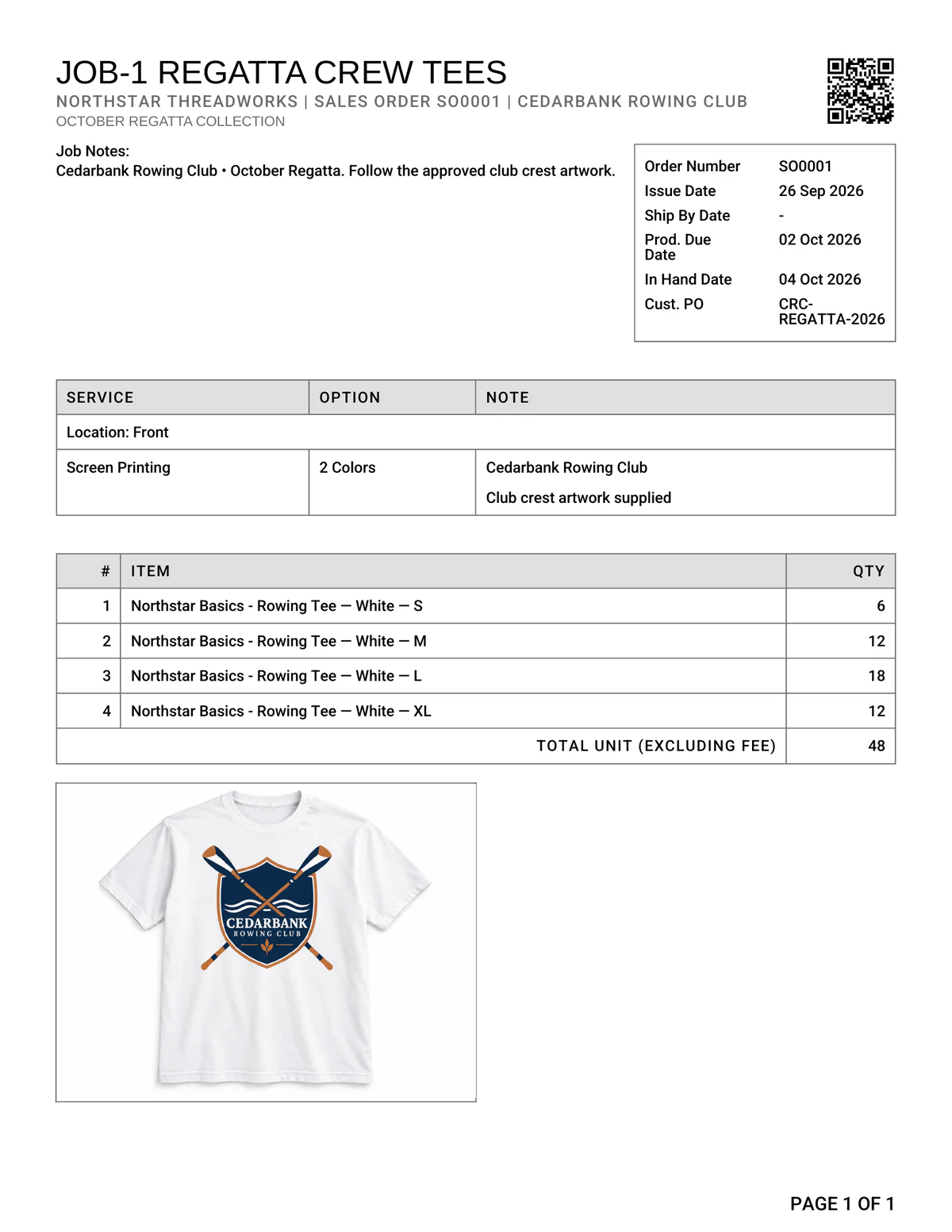
Sales orders, invoices, job sheets, packing slips, and purchase orders all print with crisp barcodes. Just print your paperwork and start scanning. Zero setup required.
Sales order
Invoice
Packing slip
Purchase order
Job sheet
End-to-end tracking.
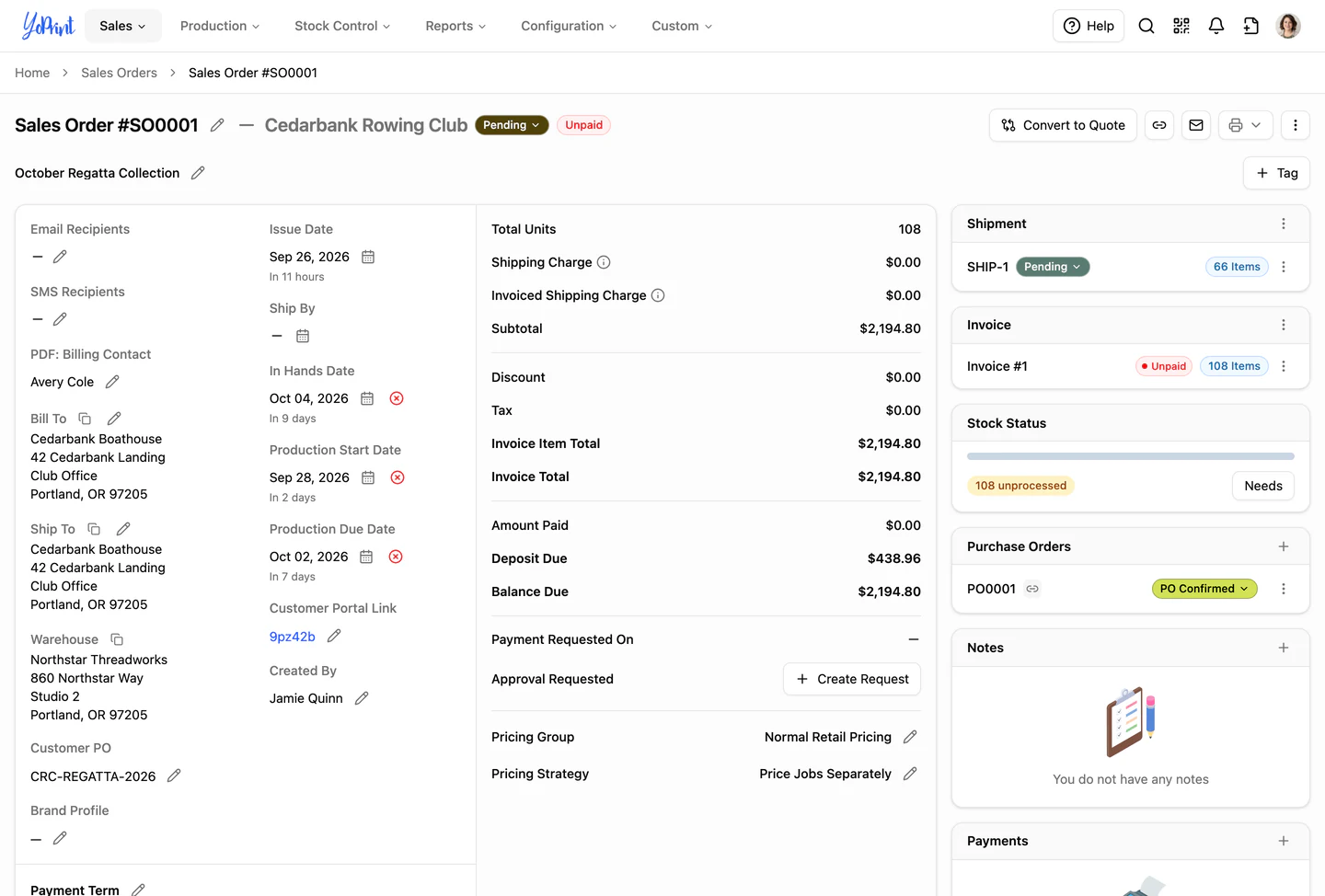
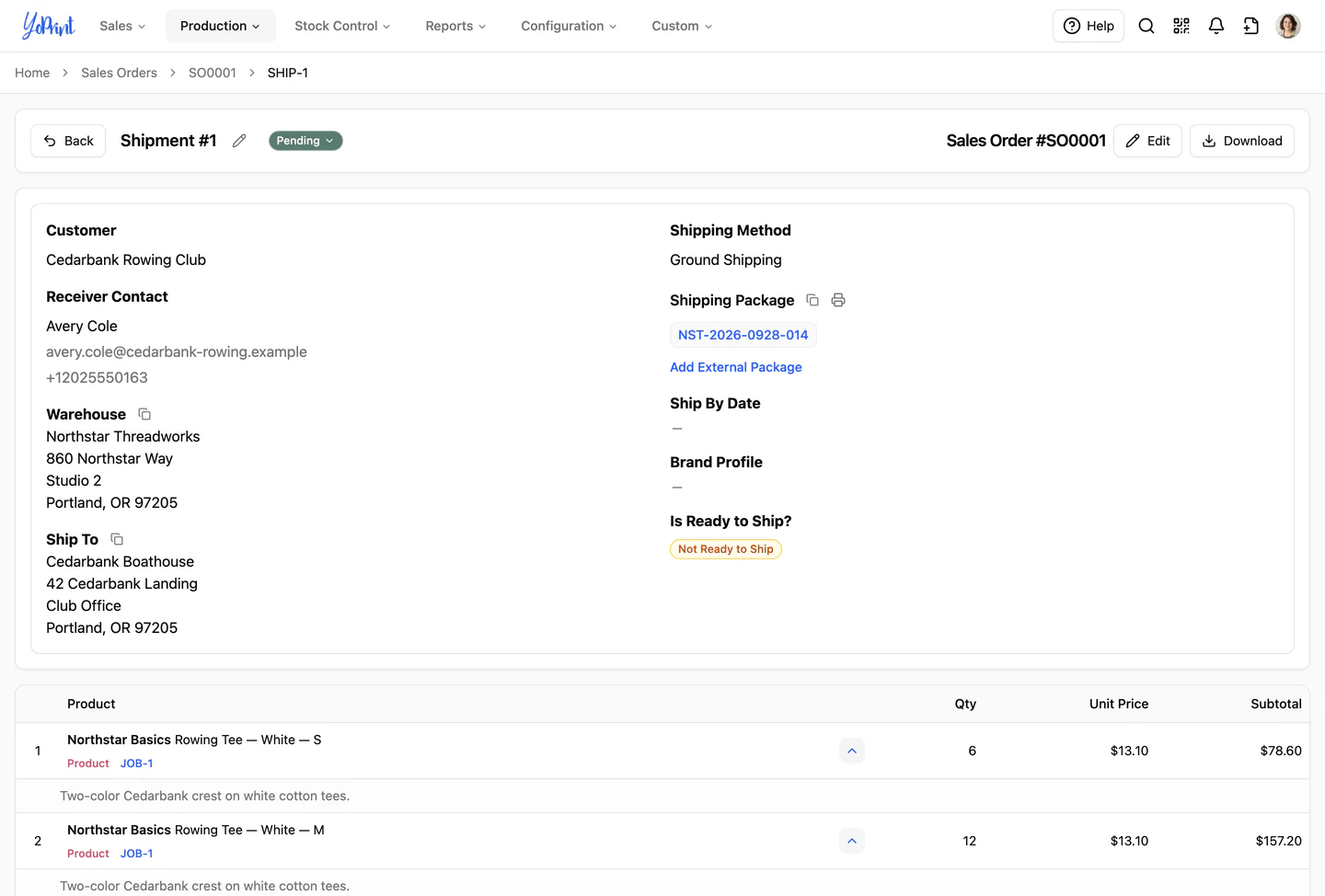
Skip the manual search bar. When a customer calls about an invoice, a packer verifies a shipment, or your team checks an incoming purchase order, one scan pulls up the exact record.
One scan opens
- Quotes
- Sales orders
- Jobs
- Shipments
- Purchase orders
- Stock transfers
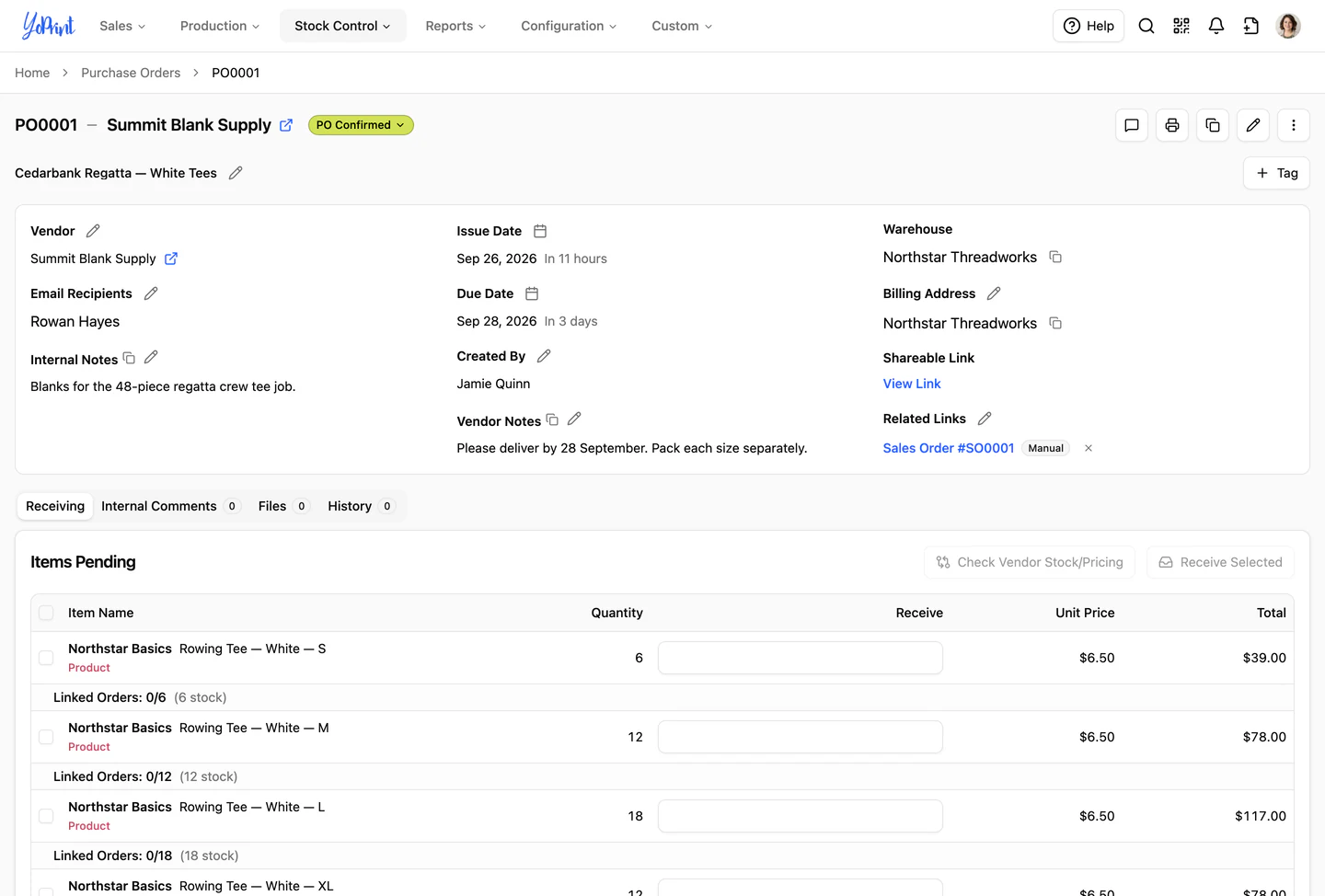
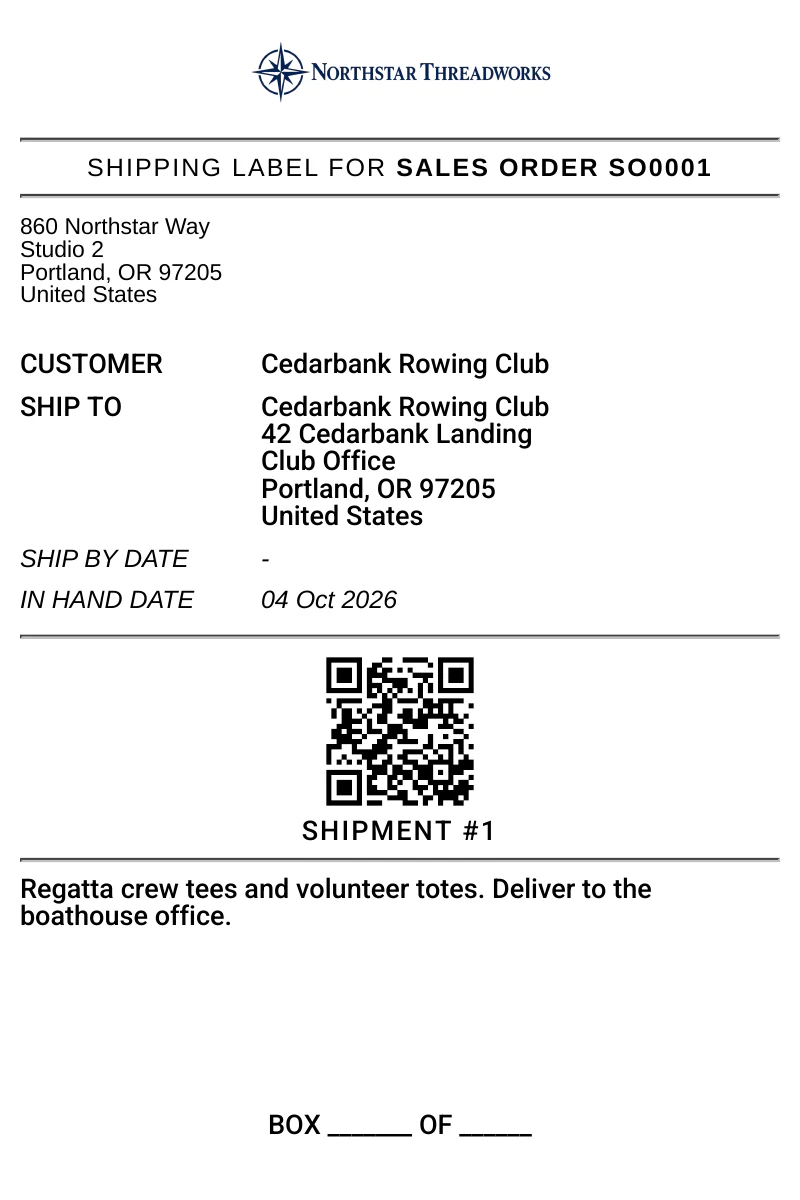
Get organized. Label everything.
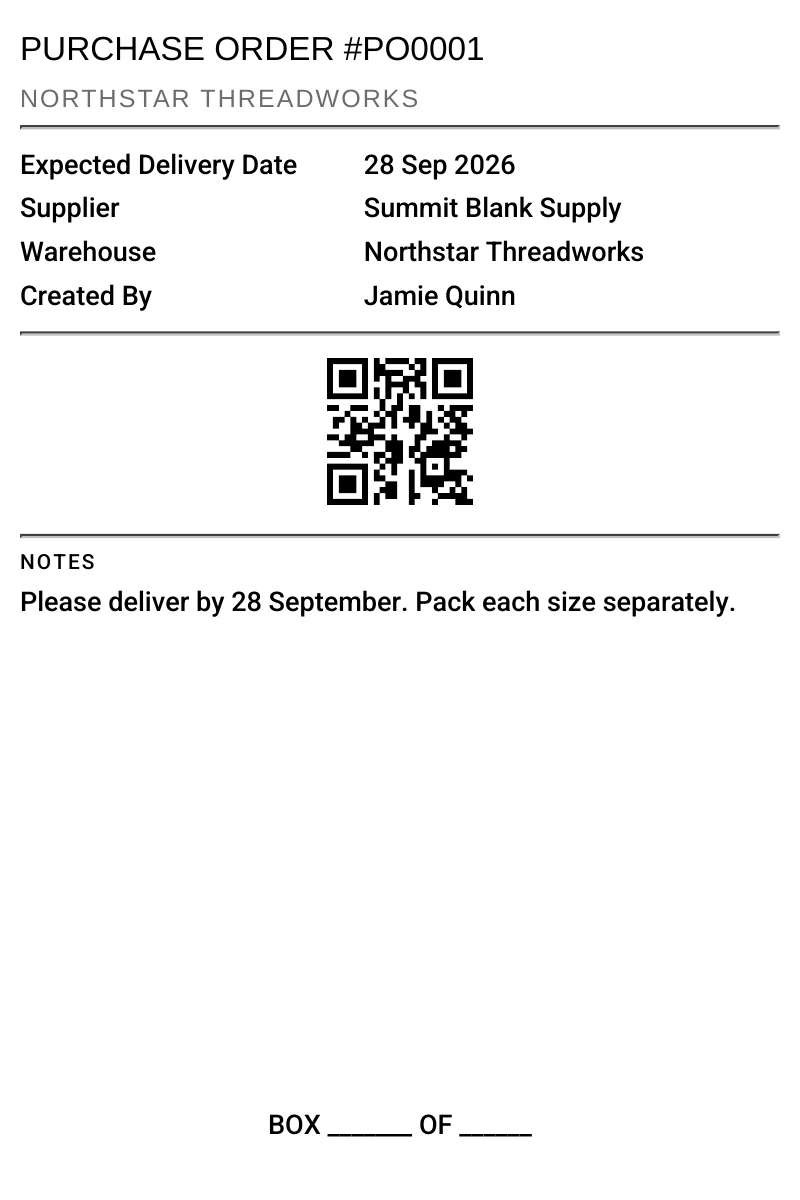
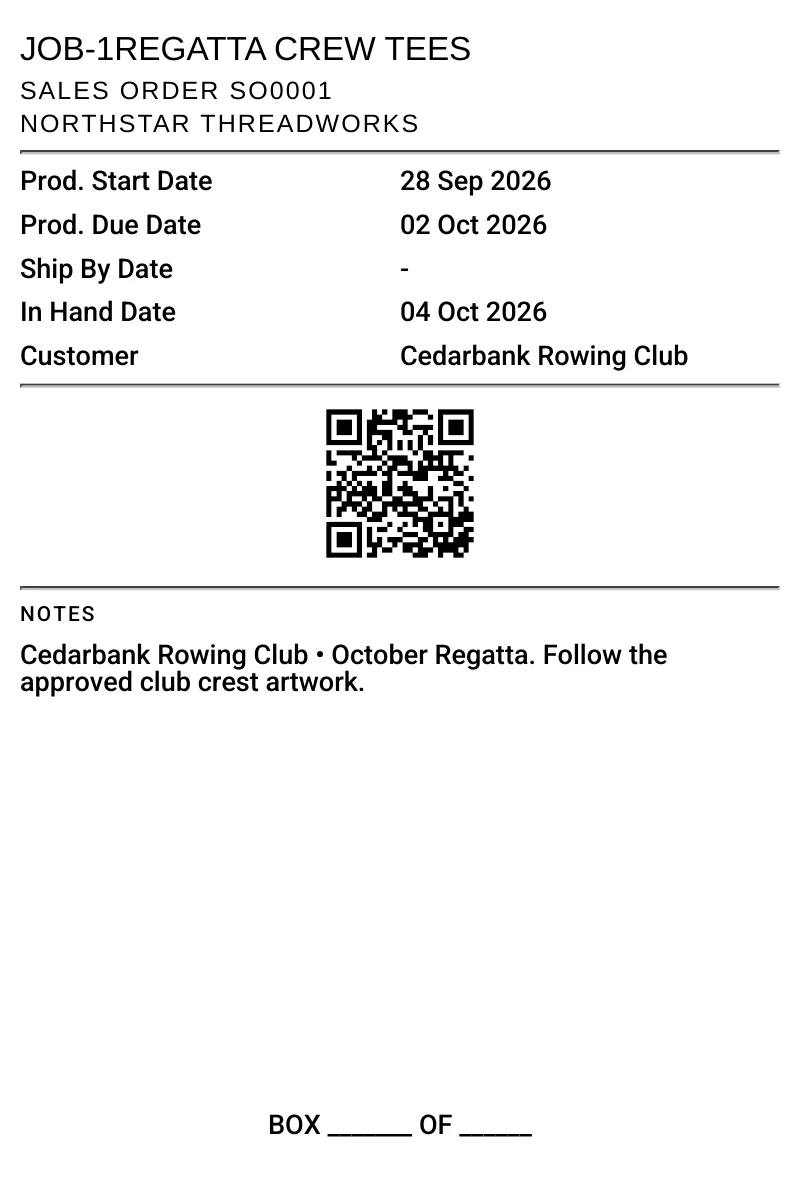
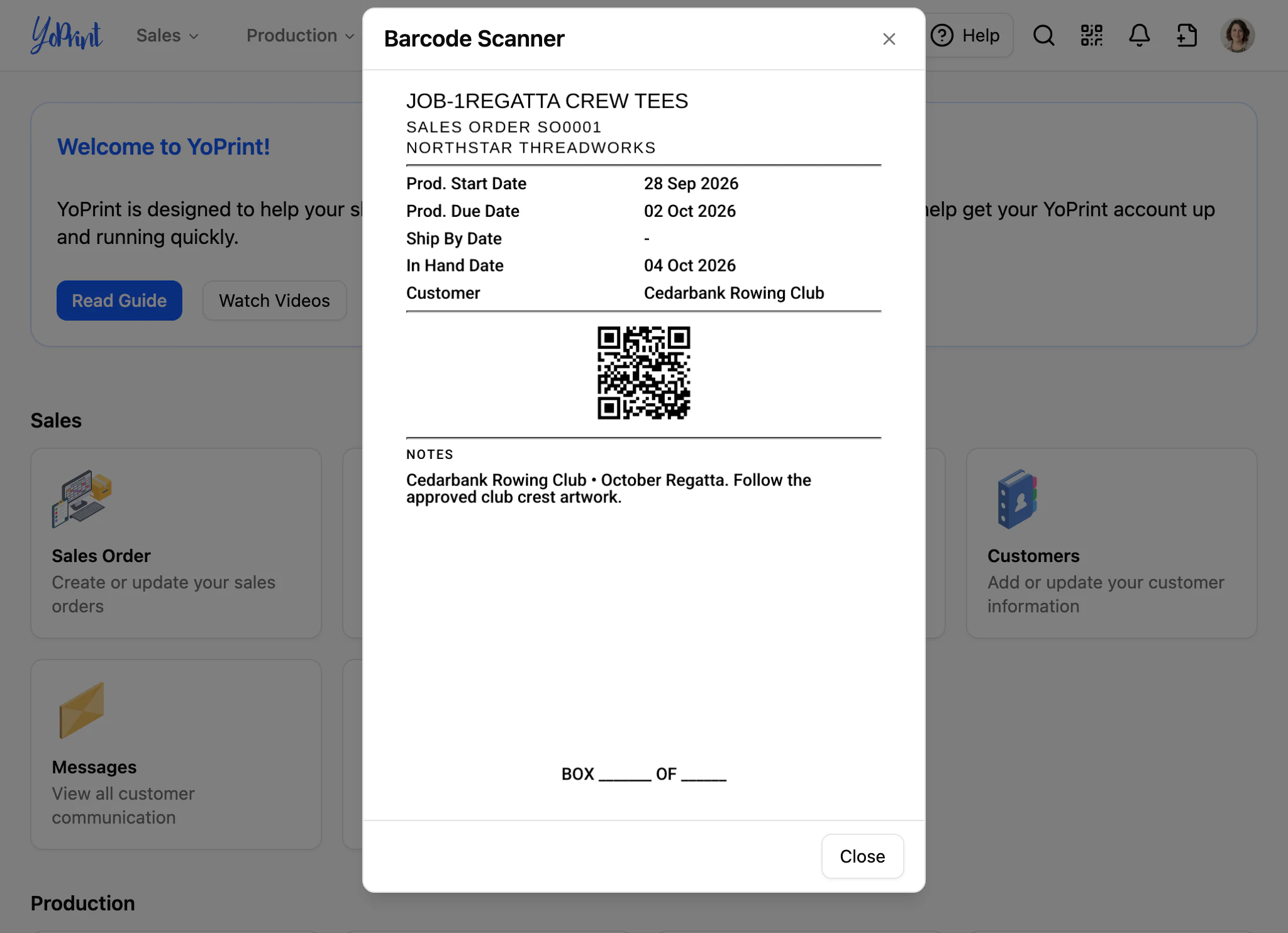
Print clear box labels for outgoing shipments, incoming purchase orders, and job boxes. Stick them on the carton and scan them anywhere in the shop to open the record they belong to.
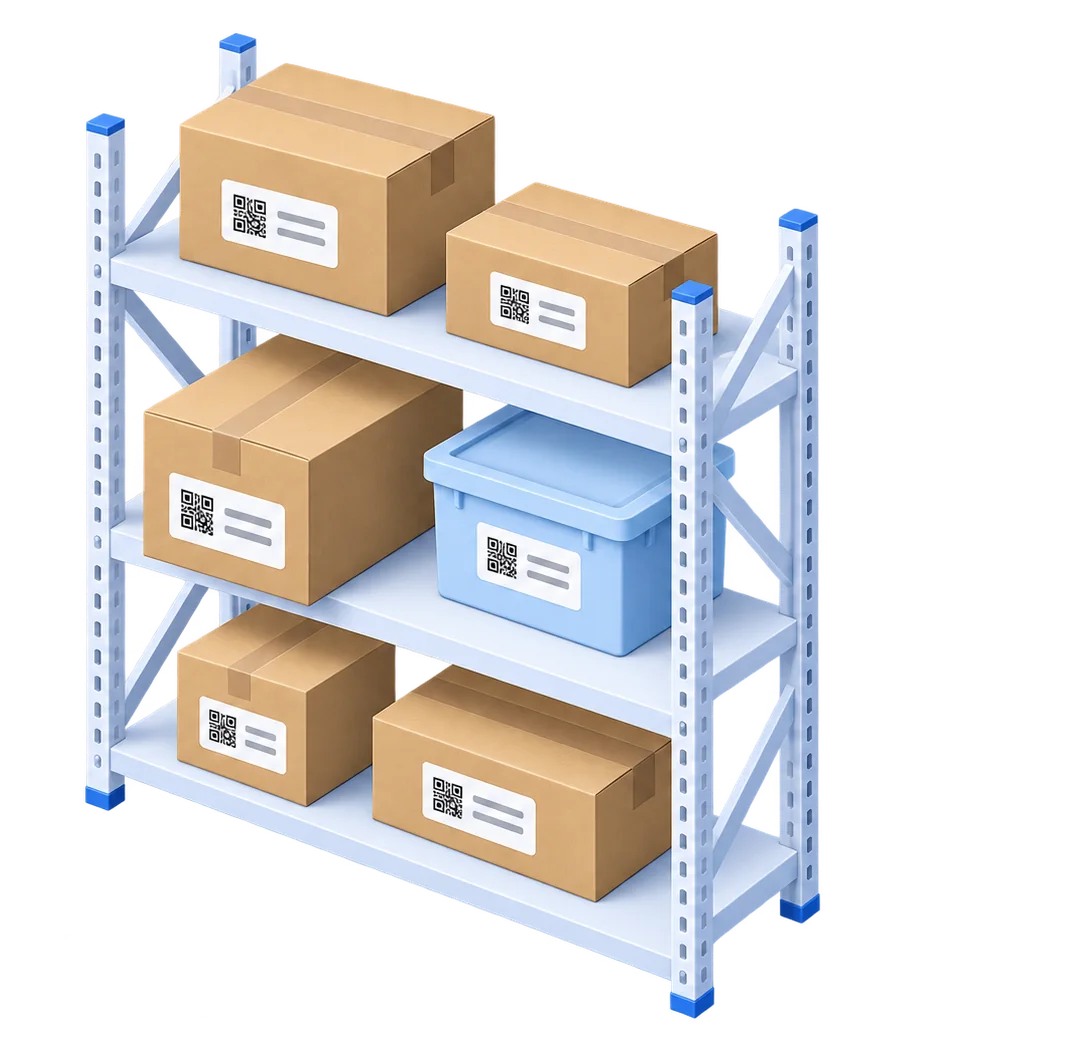
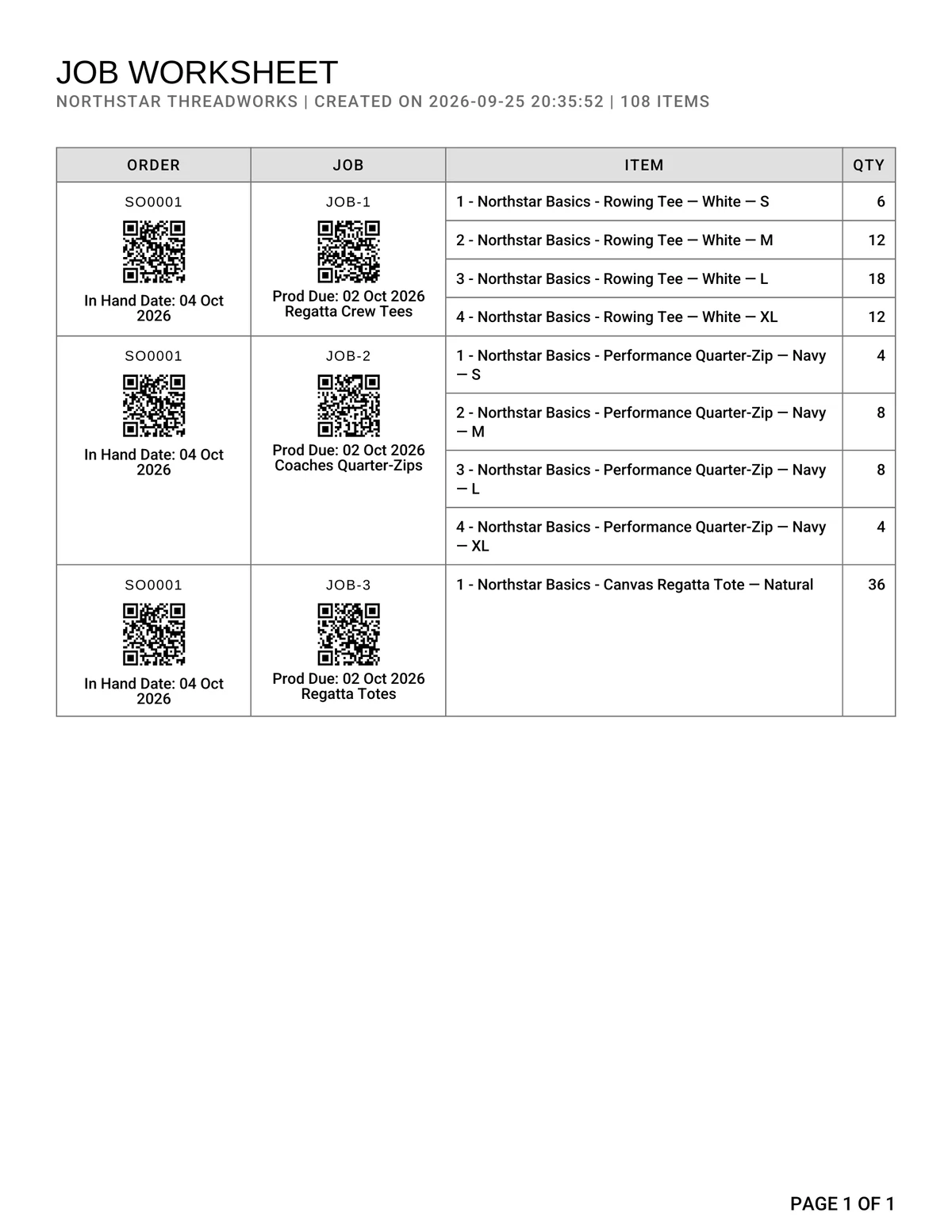
Speed up production.
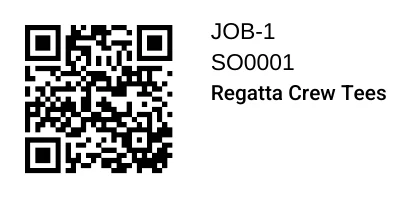
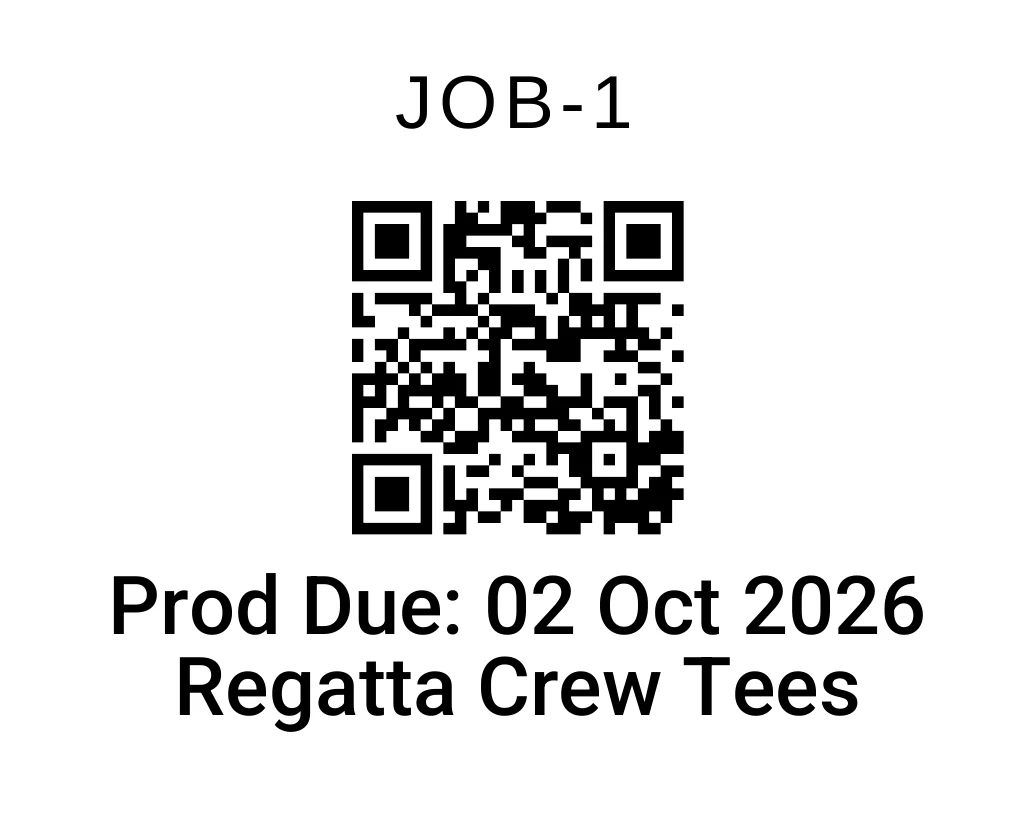
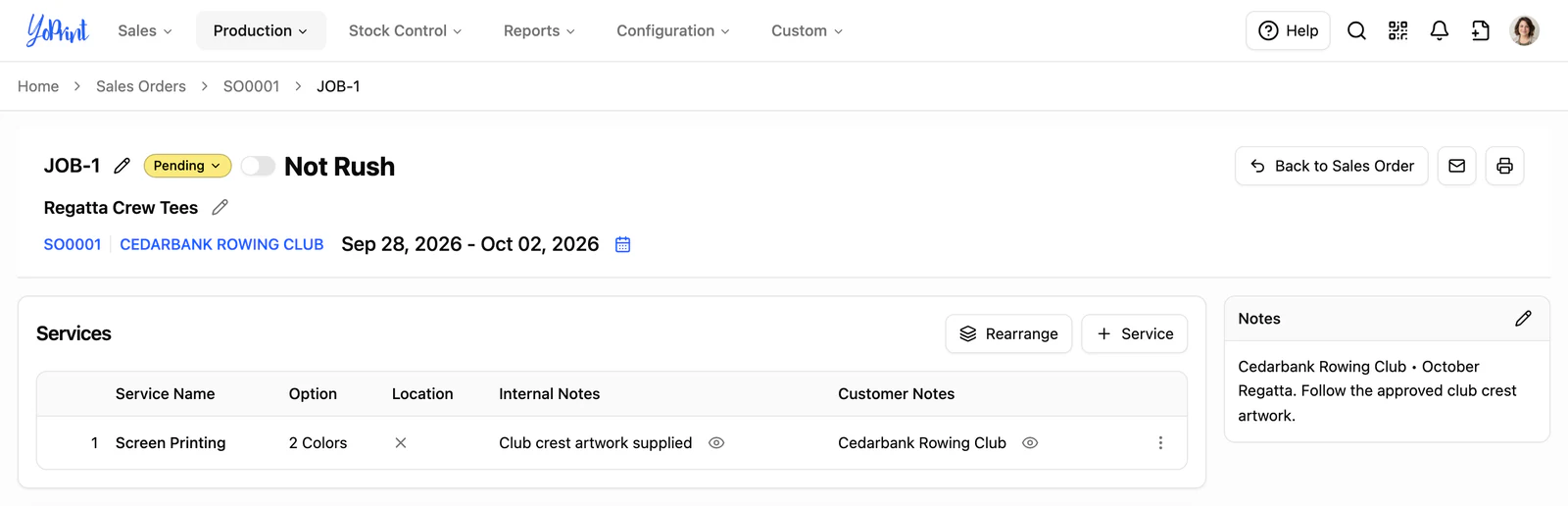
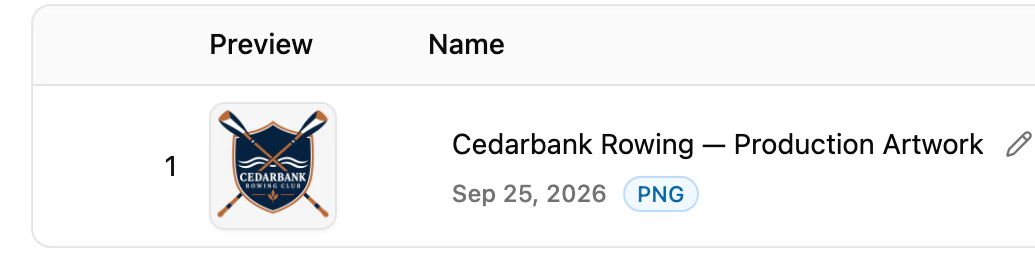
Keep your presses running without digging through folders. Operators scan the barcode on the printed worksheet or job sticker to pull up job specifications and approved artwork right at the press. No paper shuffling and no mismatched files.
In-app barcode reader.
Turn tablets into mobile scanners. Launch the reader right from YoPrint's top bar to scan paperwork across the floor, or connect a handheld scanner at your desk.
On a tablet
Open the reader from the top bar and use the camera to scan job sheets and box labels on the move.
At the desk
Use a USB or wireless handheld scanner on any screen. YoPrint opens the record.

Ready to streamline your print shop?
Try YoPrint free for 14 days, no credit card required.