

Text customers and vendors straight from the order.
Send customer updates from the sales order, text vendors from the purchase order, and keep every message logged in YoPrint. Twilio powers the delivery, and your team keeps the record.
Free for 14 days. No credit card required.
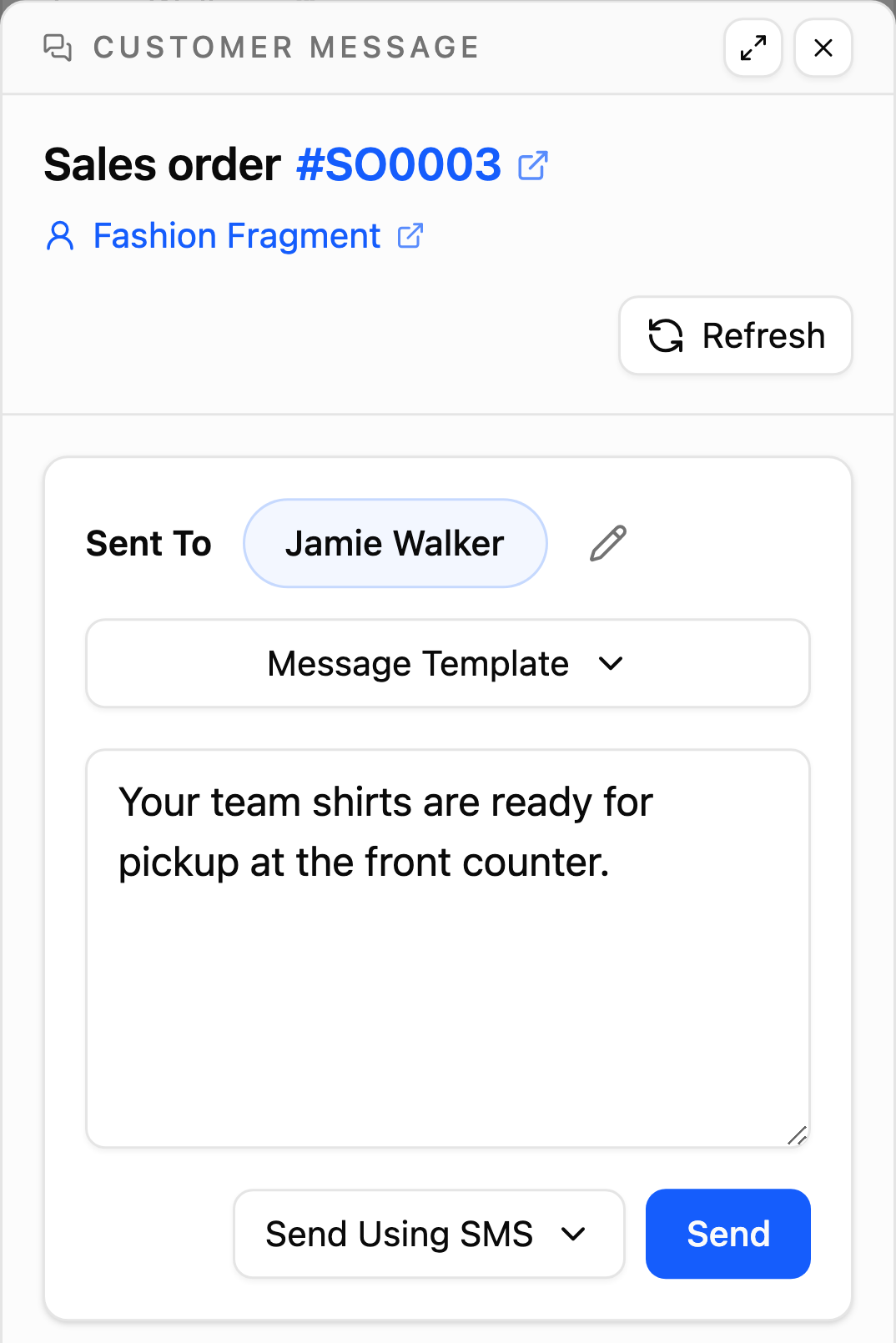
Customer updates
Tell customers exactly where their order stands.
Skip separate messaging apps and manual number entry. Open the quote or sales order, select your contact, and send the update in seconds. The message attaches directly to the order, keeping your whole team in sync.
Vendor updates
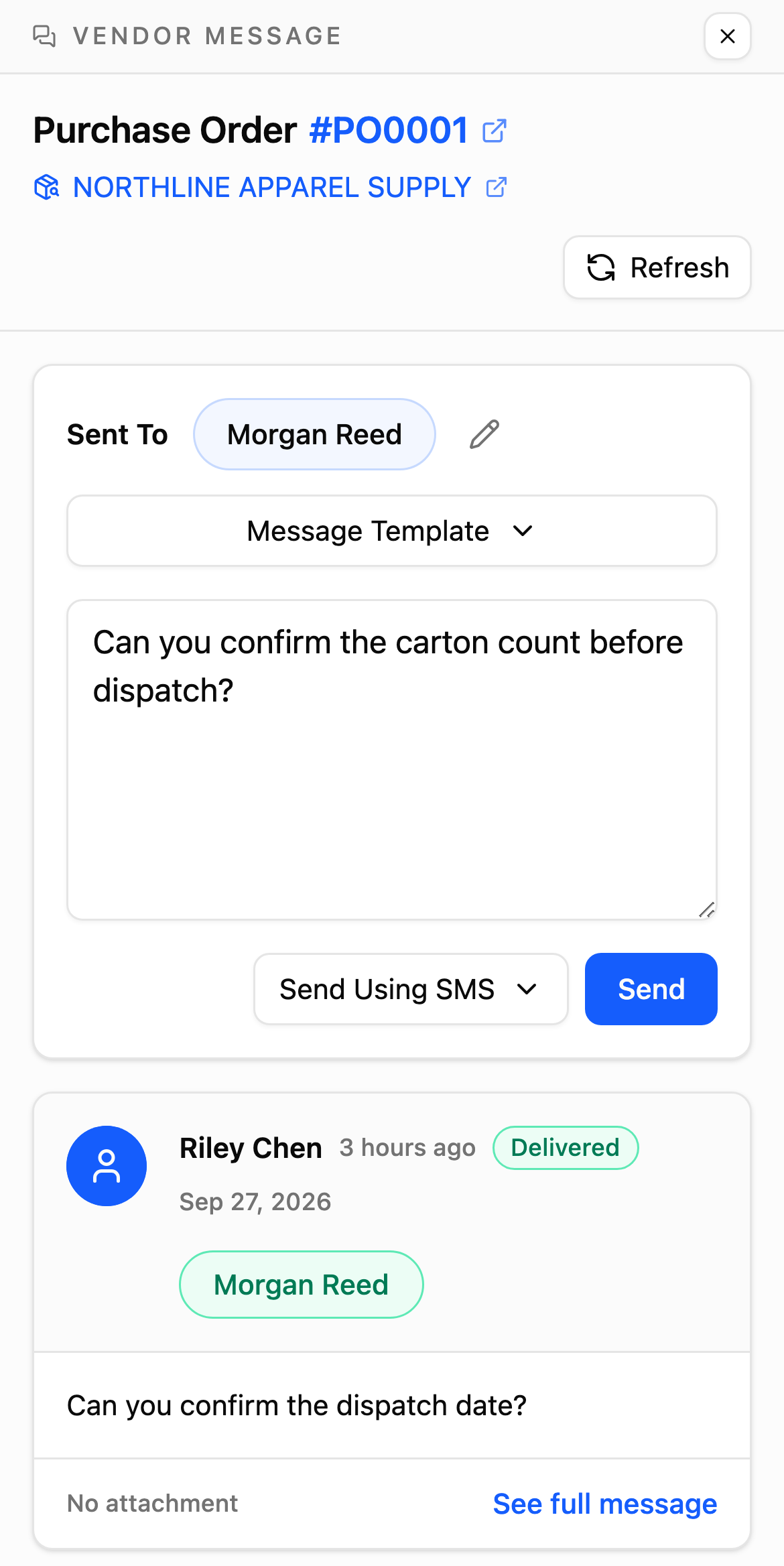
Follow up with vendors on every purchase order.
Need a quick stock check or an updated dispatch date? Text your vendor contact directly from the purchase order, with your quantities, PO details, and job references right in front of you.

Message history
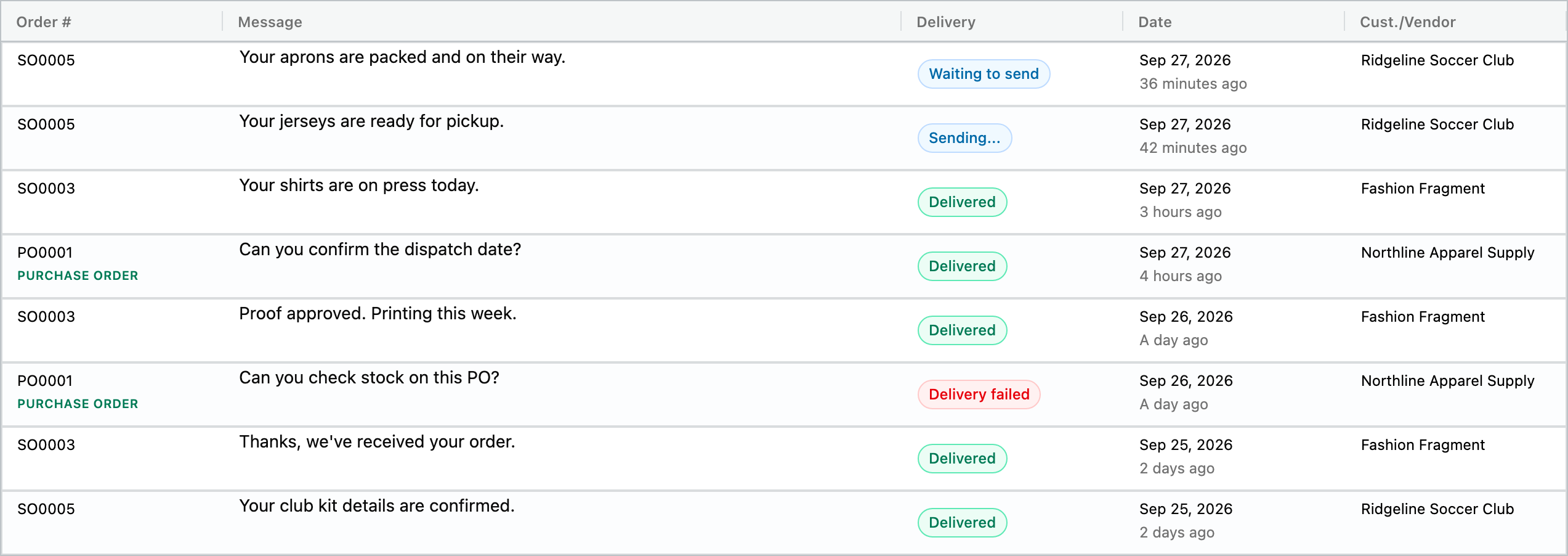
Know what went out, and what got through.
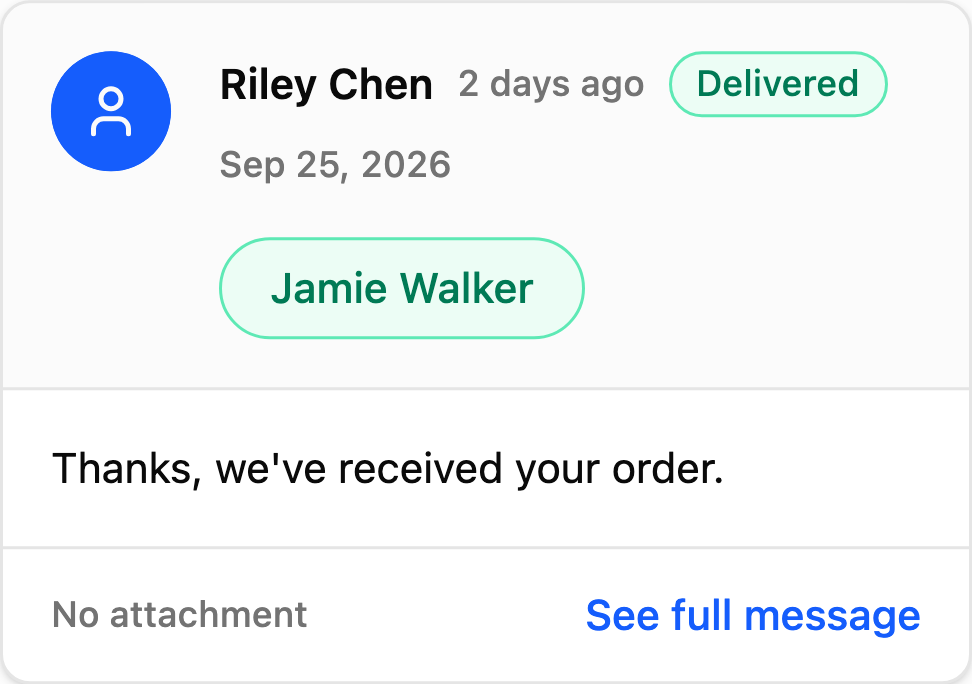
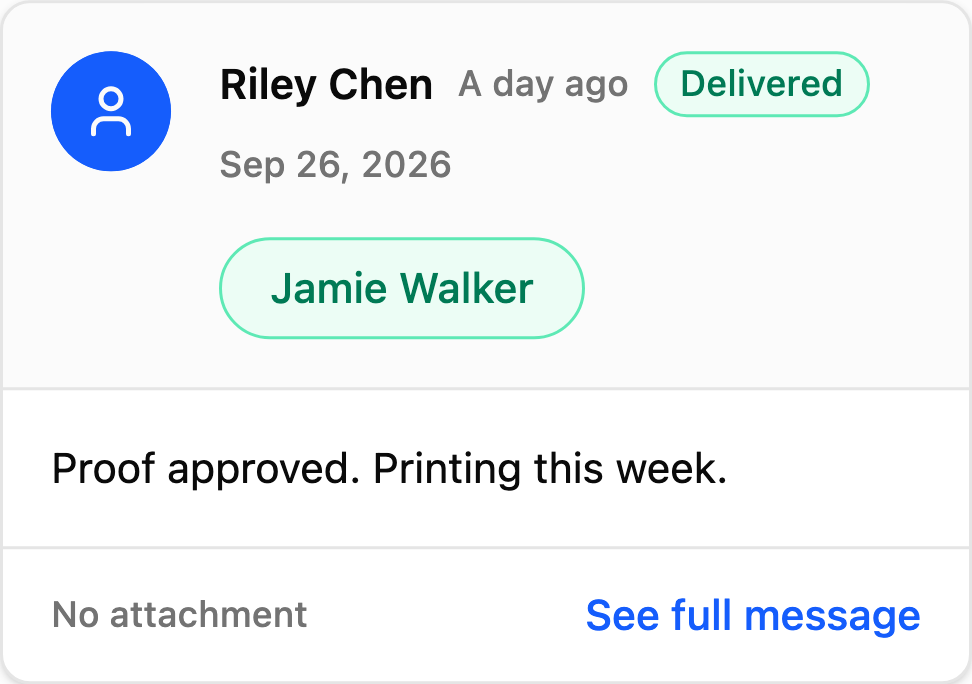
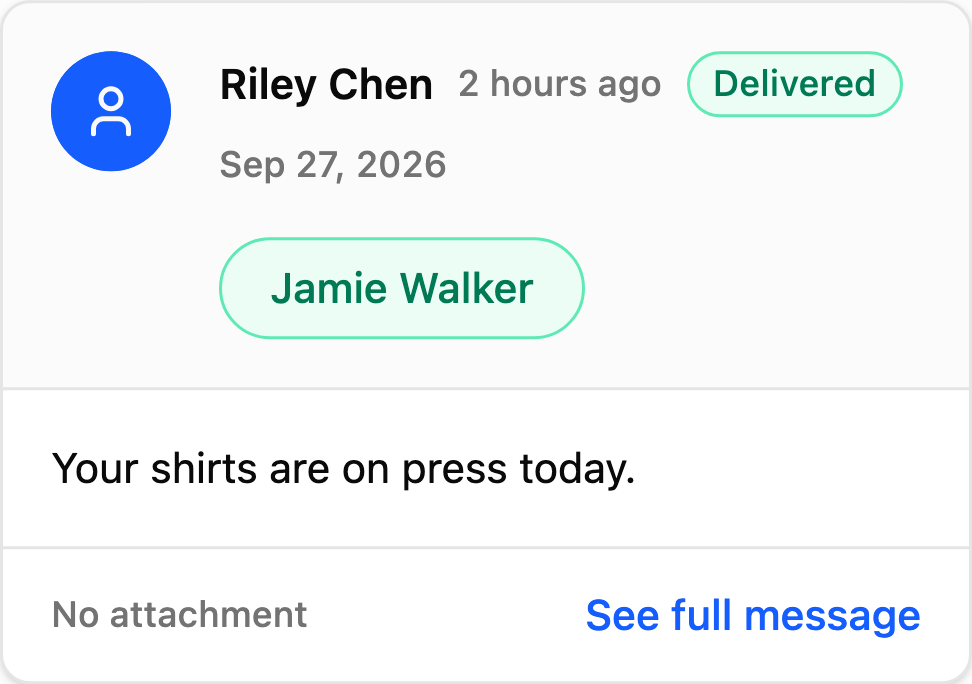
Track every text and email across your shop in All Messages, or check delivery status right inside each order.
Keep the work connected
Every order, every update, all in one place.
Try YoPrint free for 14 days and see how simple shop communication can be. No credit card required.