
Order management
Every order,
quote to paid,
in one place.
Quote directly from supplier catalogs, combine every print process, calculate tax and totals, split shipments, and collect payment on one sales order.
Free for 14 days. No credit card required.

- Businesses
- 500+
- Invoices Created
- 400K+
- Payments Processed
- $650M+
Quoting
Send the quote while they’re still on the phone.
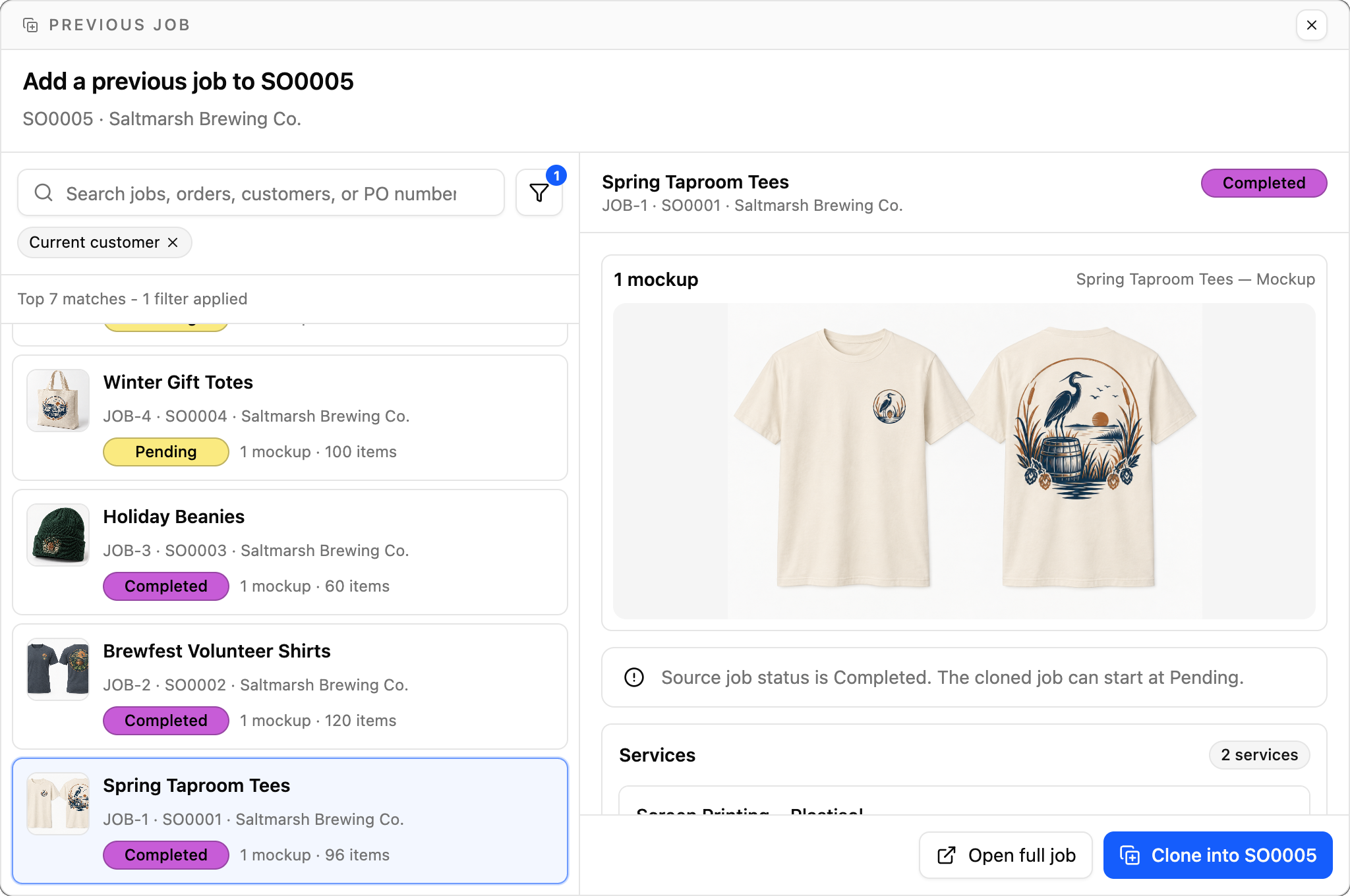
Build quotes fast from the work you’ve already done. Clone past jobs, search supplier catalogs, drop in saved presets, and apply the right pricing for each customer.
- Reuse a previous job
Find any job you’ve run before and clone it into the new quote instead of re-entering line items.
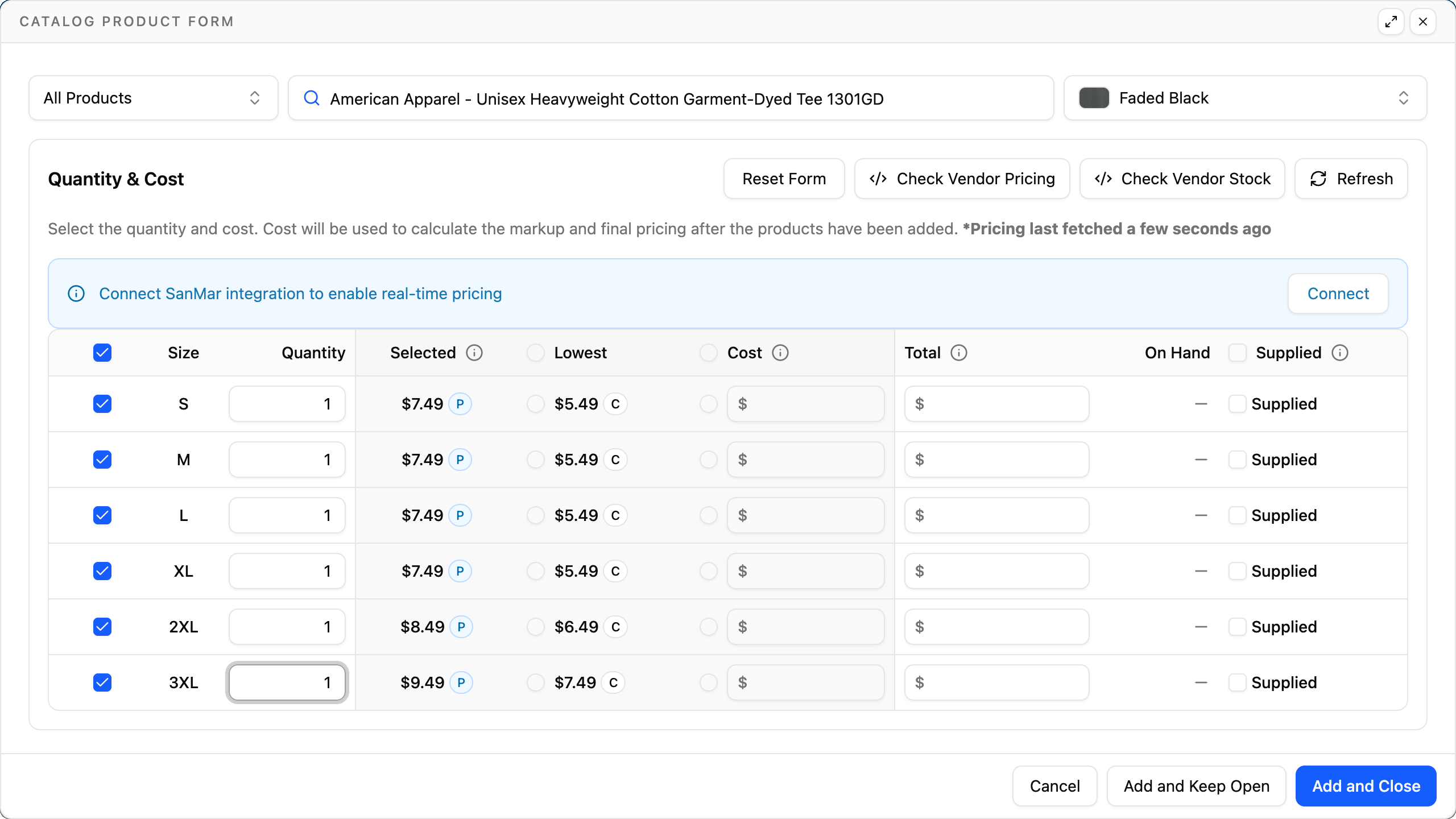
- Search supplier catalogs
Search integrated supplier catalogs to add styles and colors, with current product pricing brought right into your quote.
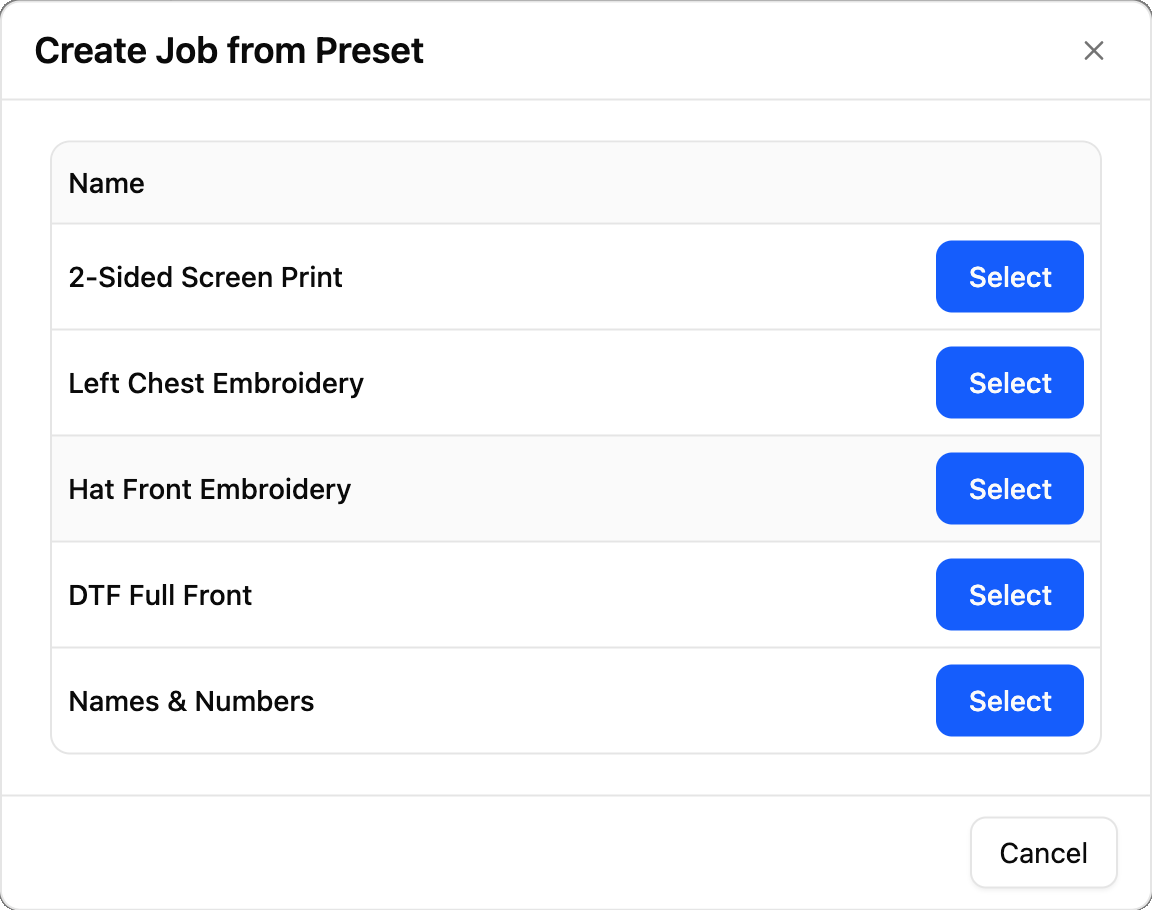
- Start from a preset
Save your most common print setups as job presets and add them to any quote with a click.
- Price it for each customer
Assign customers to pricing groups to apply wholesale, retail, or contract rates automatically.
Everything in order
One order. Every process. Every address.
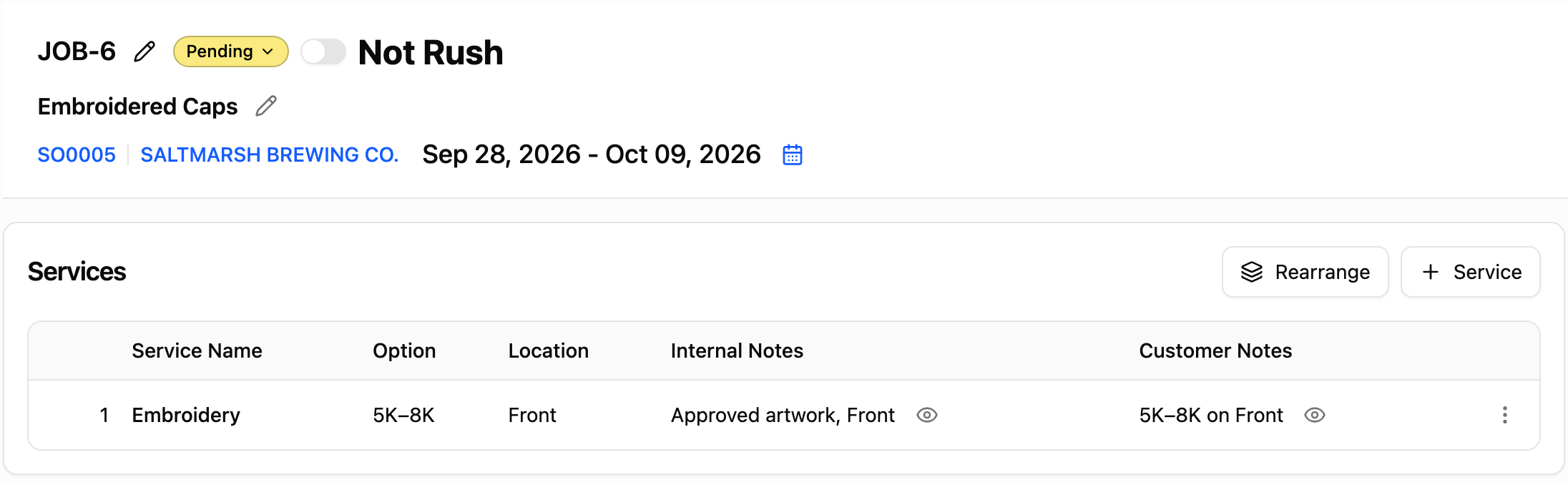
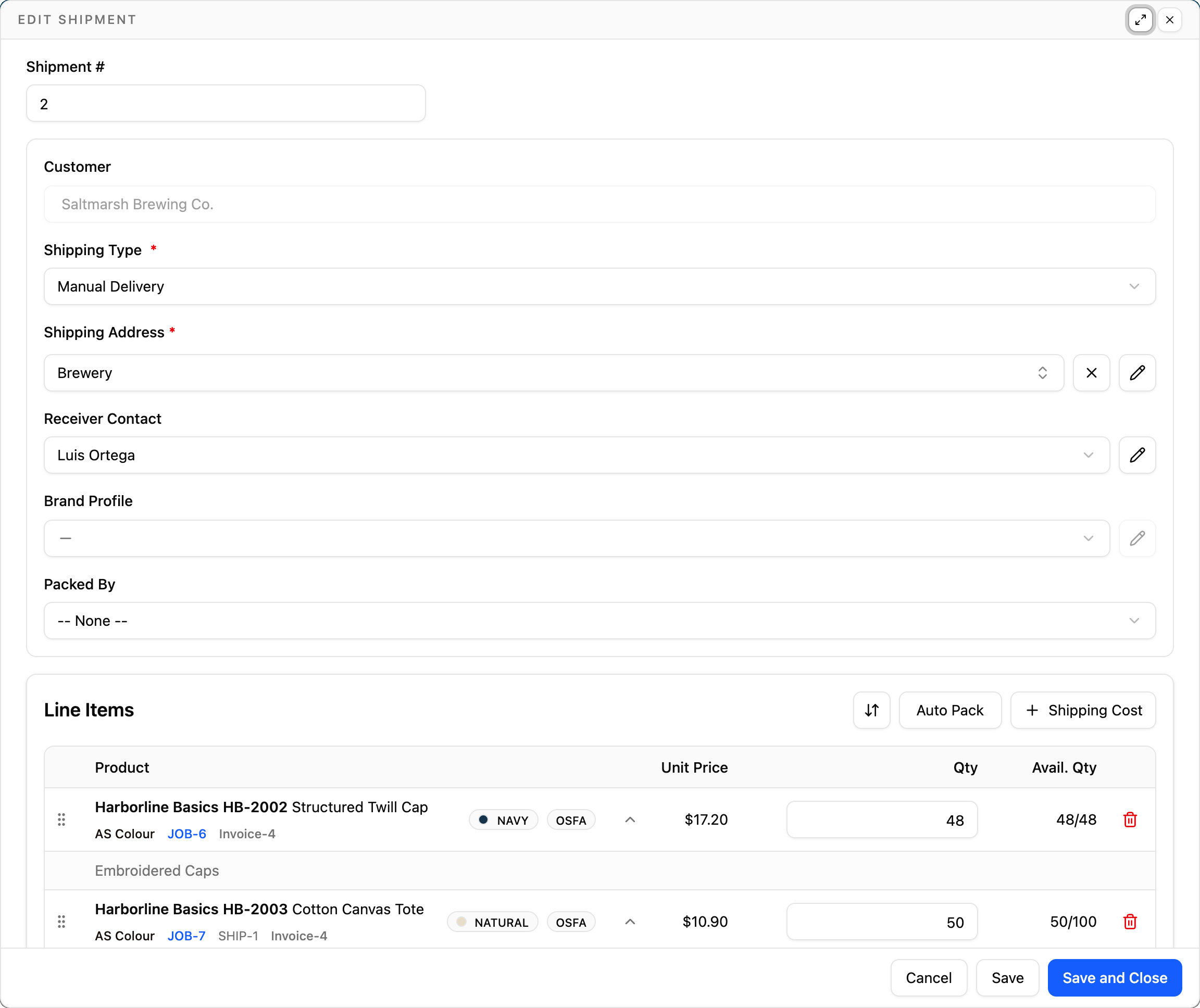
Combine screen printing, embroidery, DTF, DTG, and heat press on the same sales order, split shipments to multiple destinations, and bill it all on one invoice.
Screen printing
Embroidery
DTF
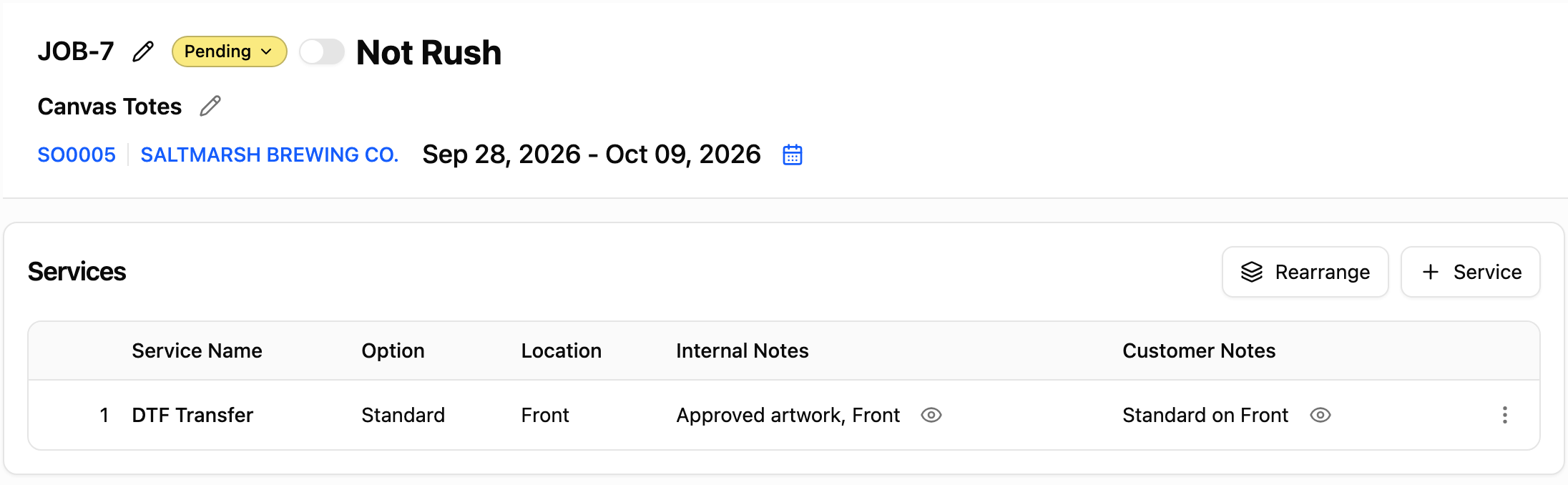
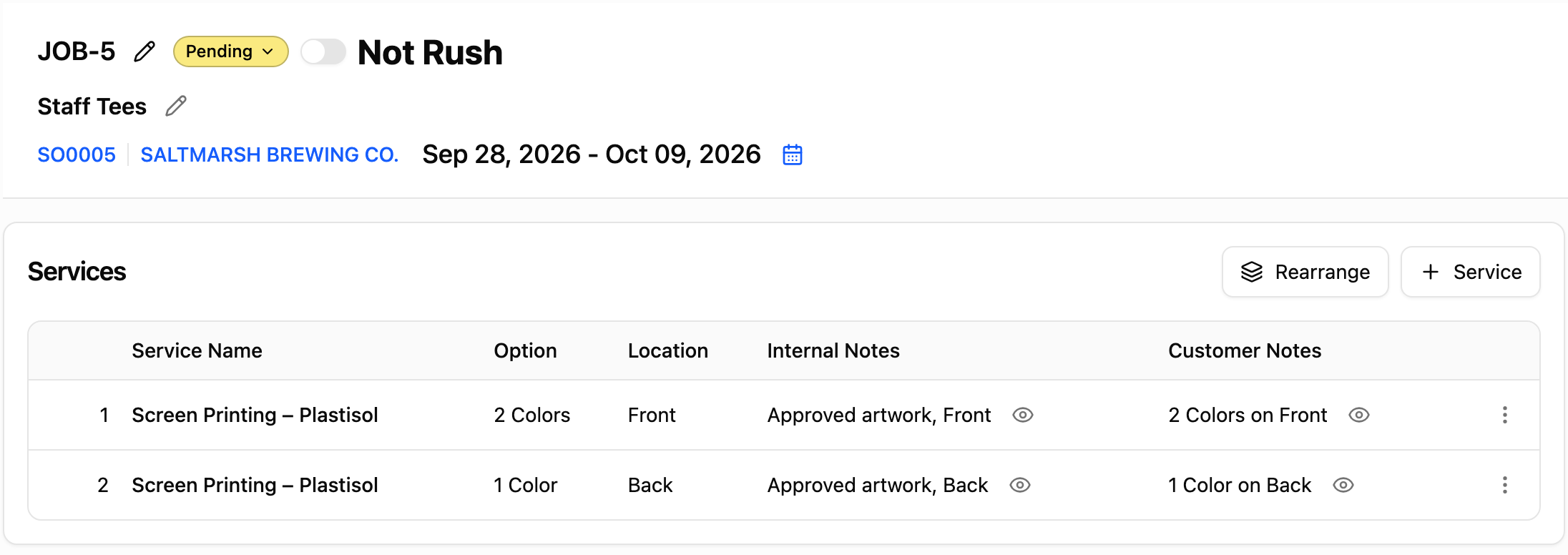
Every process on one quote
Price each job by its specific decoration process, keeping mixed-process orders unified on a single quote.
Split across multiple destinations
Send part of the shipment to a warehouse and the rest to retail stores, all managed from the same sales order.
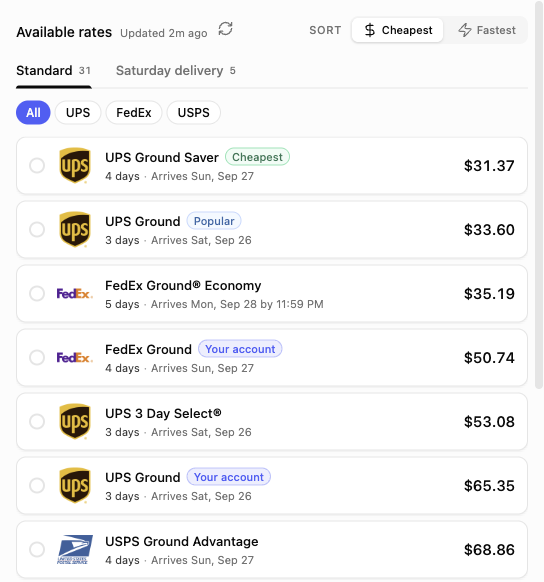
Rates and labels through Shippo
Connect your Shippo account to compare carrier rates and print shipping labels directly from the order shipment.

If you struggle with multiple machines and tracking it all down to make sure the order is getting done...they designed the job system to help!!
 Mike LindsayA&J Screening
Tax and totals
Totals you don’t have to double-check.
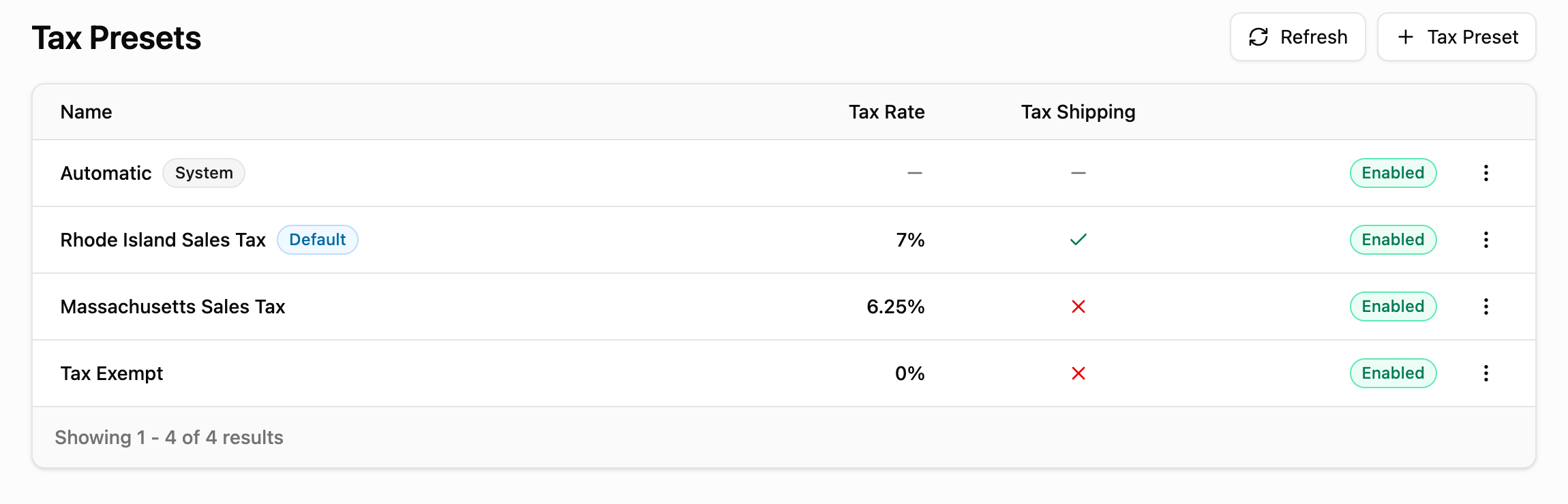
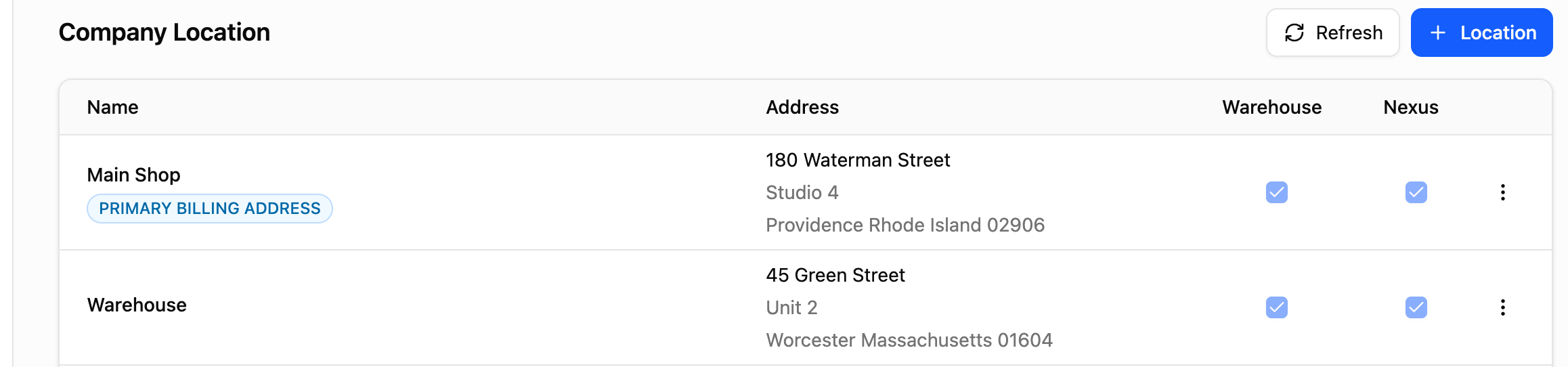
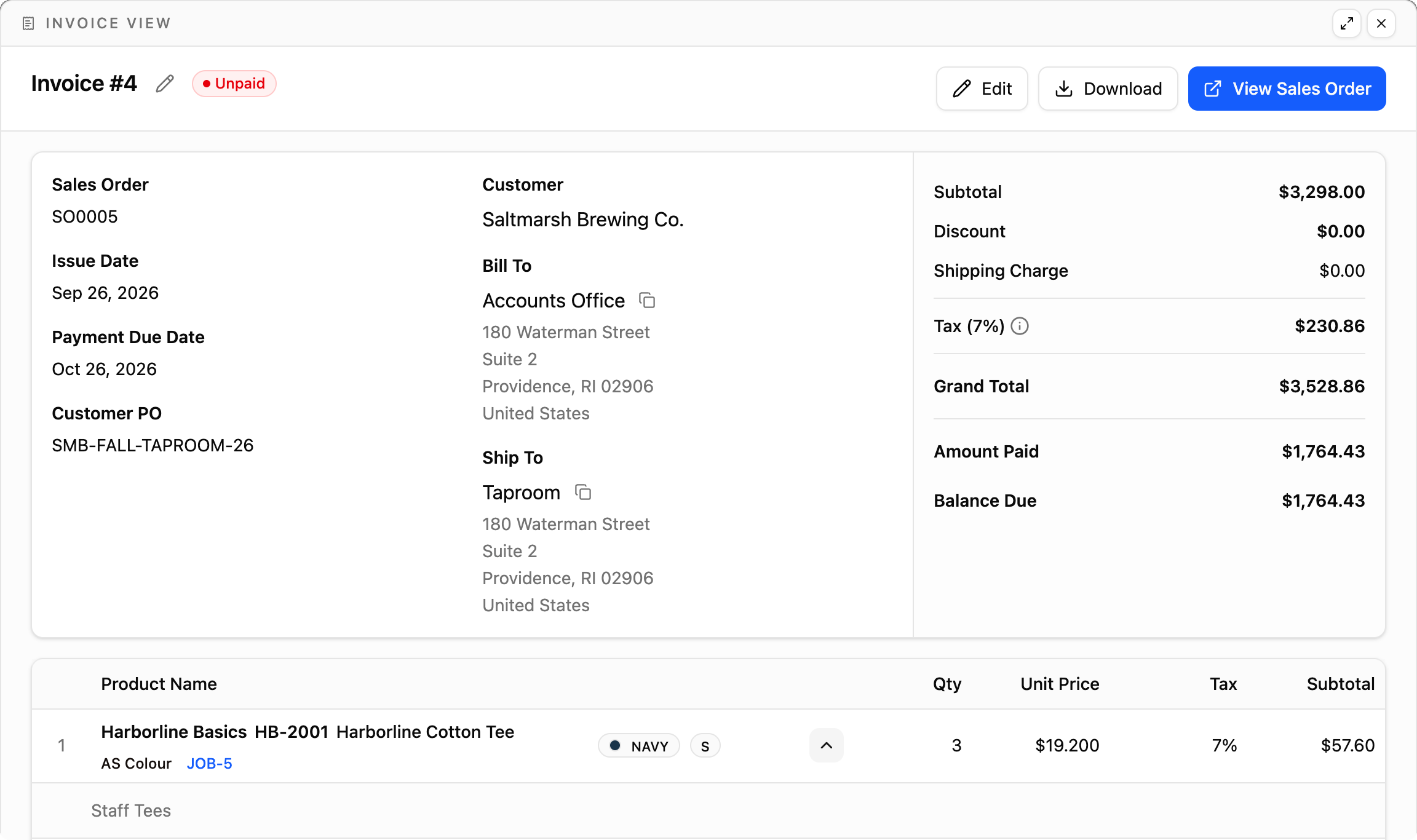
The speed at filling out work orders is amazing now! The program automatically calculates all totals including tax...our customers love YoPrint too.
 Trevor KarnsBoundary Waters Screenprinting
Invoicing and payments
Deposits up front, balance on your terms.
Generate invoices straight from the order, collect upfront deposits, and set terms for each account. Customers view balances in their portal and pay online through the gateway you connect.
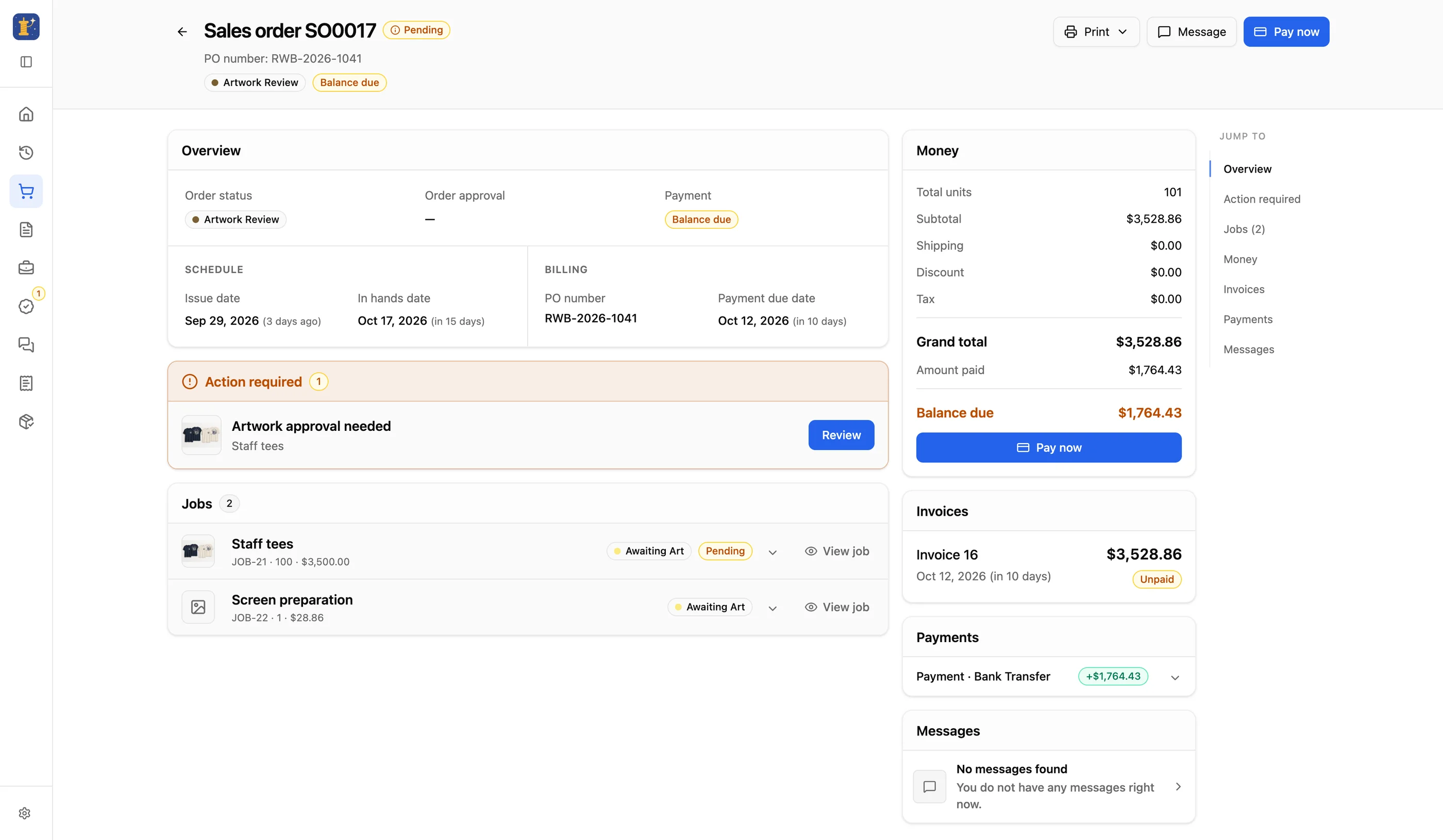
Deposits before you start
Require an upfront deposit before buying blanks or setting up screens, tracking remaining balances automatically on the invoice.
Terms that fit the customer
Assign net payment terms to trusted accounts, with due dates calculated automatically for deposits and final balances.
Customer funds
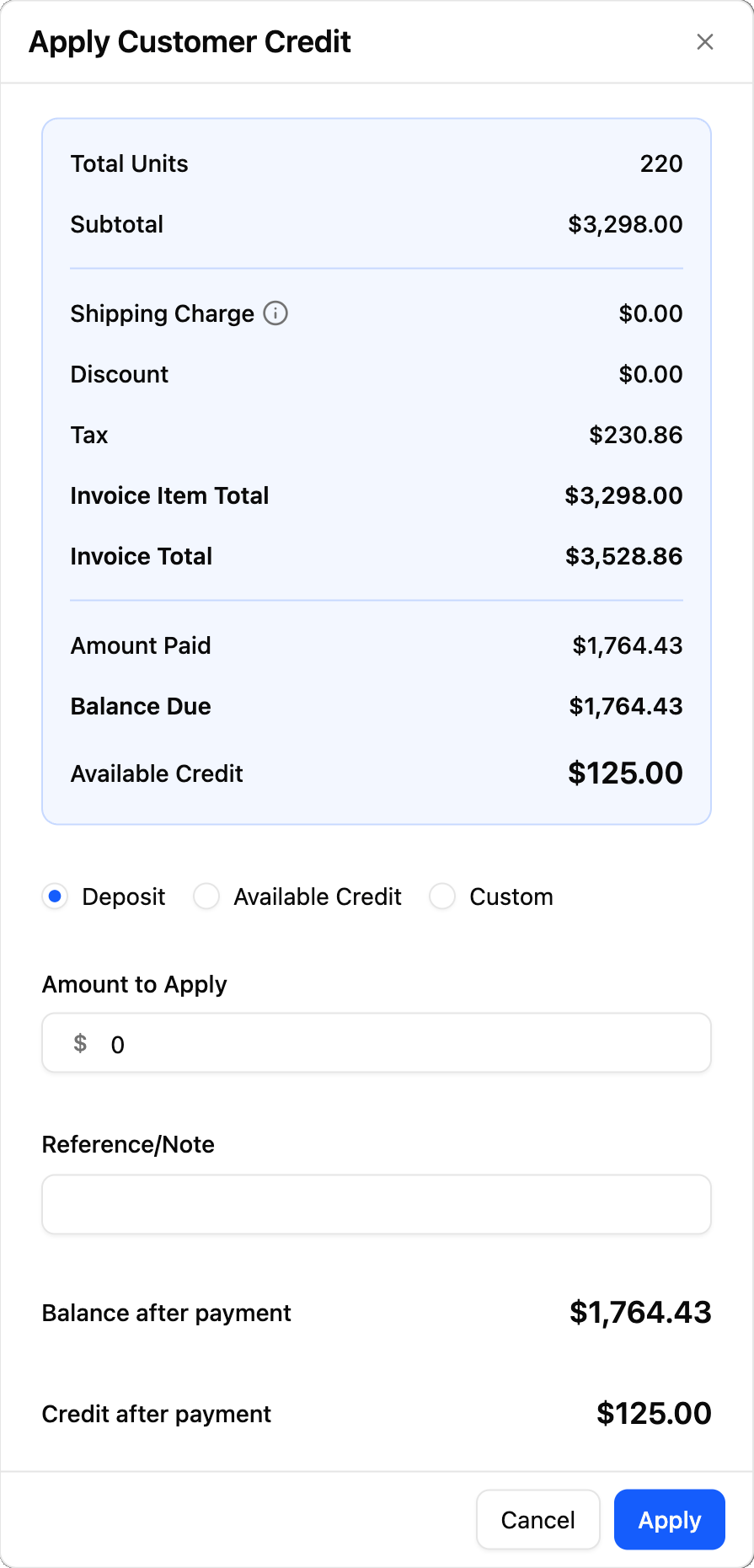
Hold credits and overpayments as customer funds to apply toward future orders or open balances.
Free for 14 days. No credit card required.
YoPrint streamlines many aspects of customer service including quick and straight forward quoting, integrated emails for correspondence, online approvals and web payments.
 Eric JimenezInked Up Graphics
Customers
Know the customer before you pick up.
Contacts, complete order history, payment terms, and account tags live on a single customer record, so anyone on your team can step in and help.
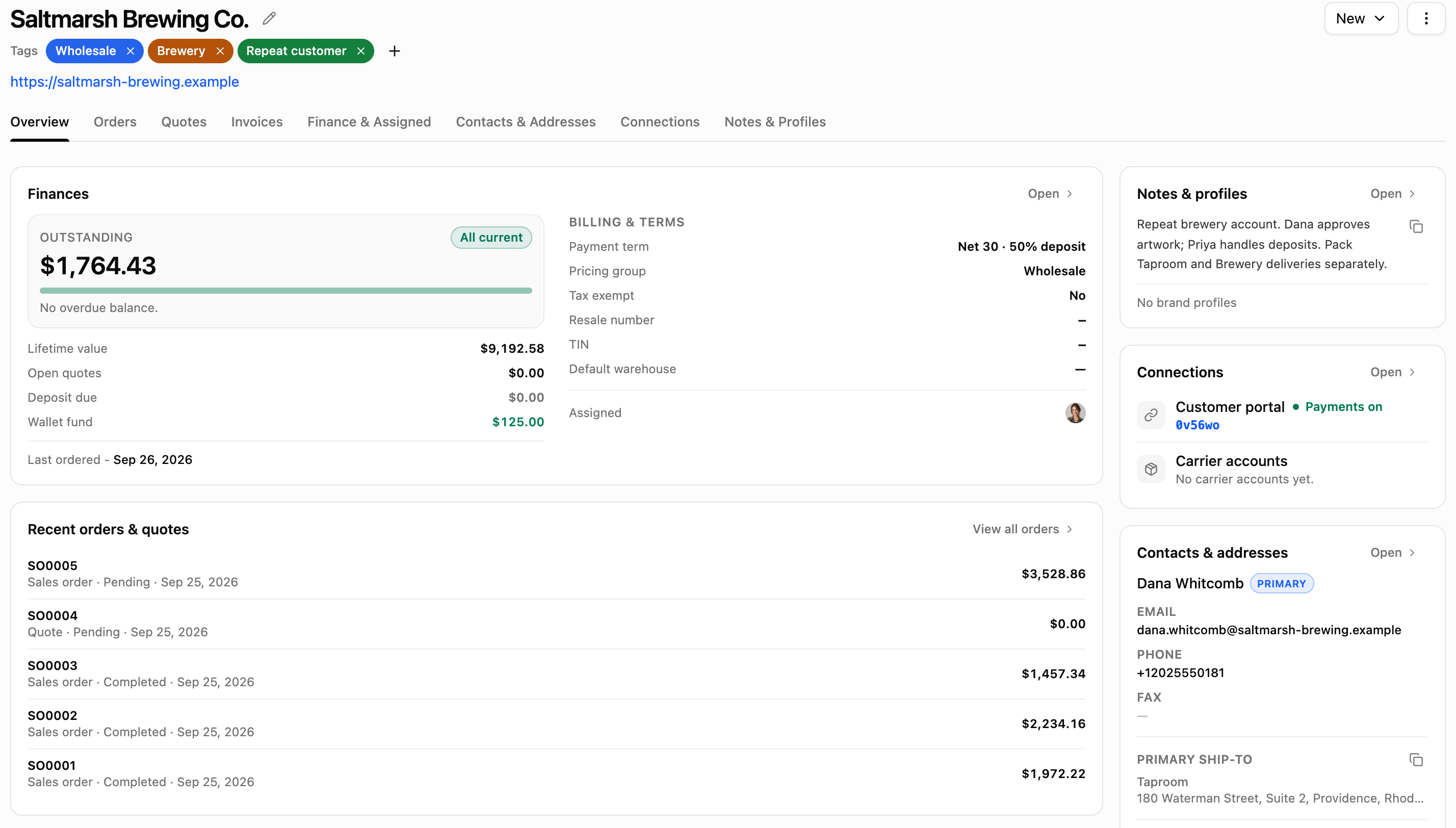
- ContactsStore every buyer, manager, and accounts payable contact with direct phone numbers and emails.
- Order historyReview past quotes, approved orders, and their artwork files.
- Payment termsSet custom terms per customer that apply automatically whenever an order is created.
- TagsSegment and filter accounts by wholesale, trade status, or any label you choose.
Contract printing
Print it for them. Ship it as them.
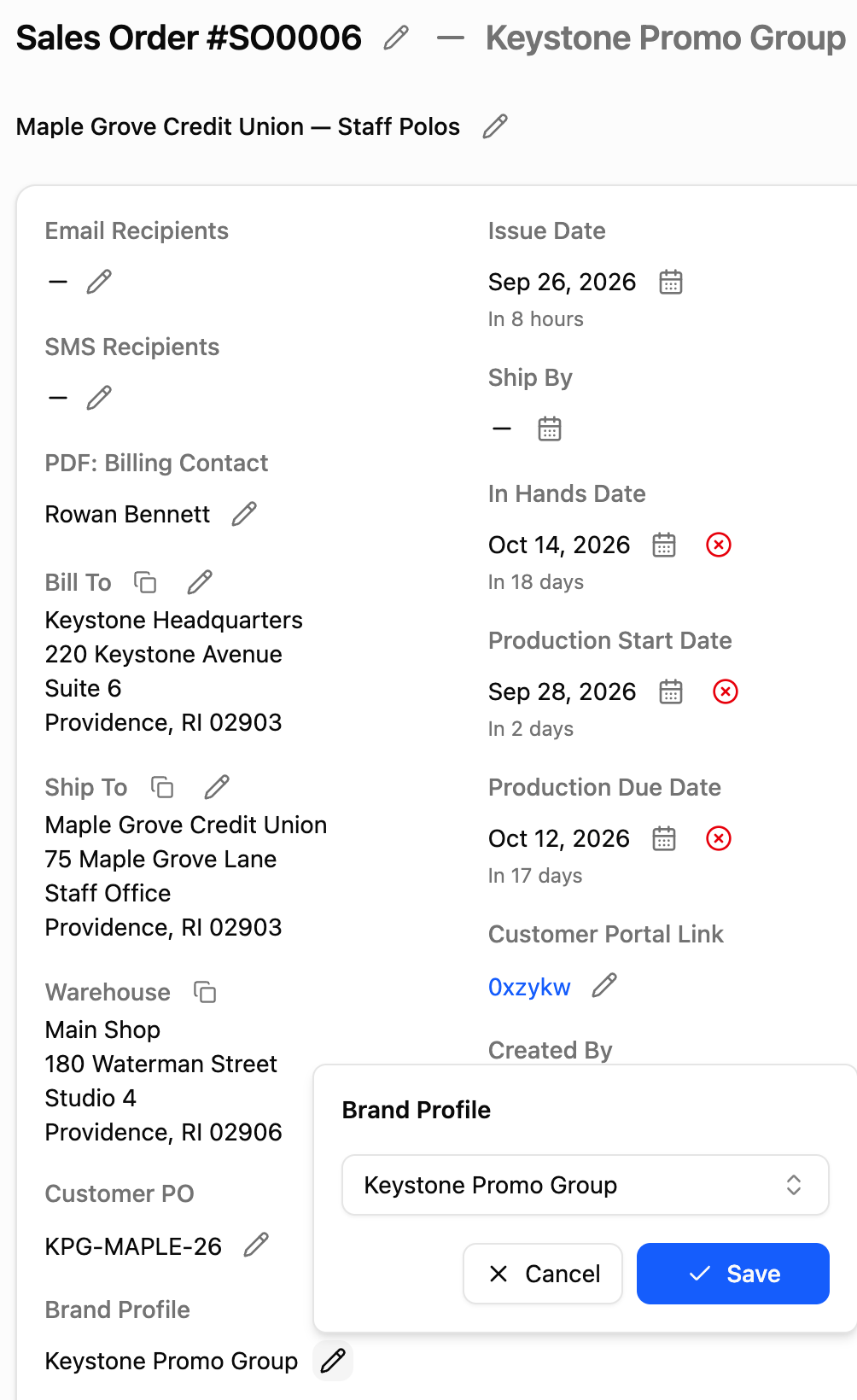
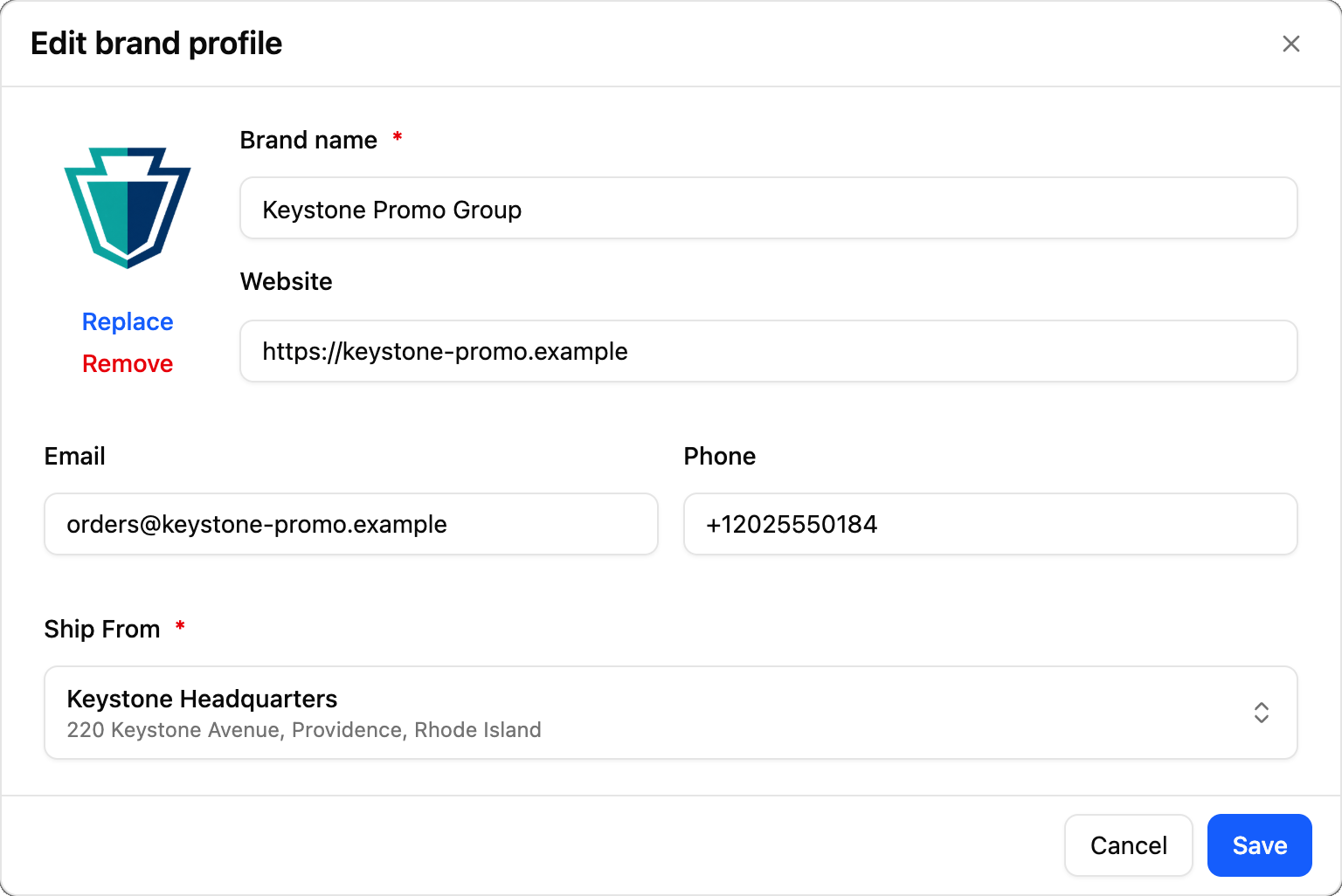
Produce orders for brokers, distributors, and contract clients. Select the client’s saved brand profile on the order, and packing slips carry their name and logo.
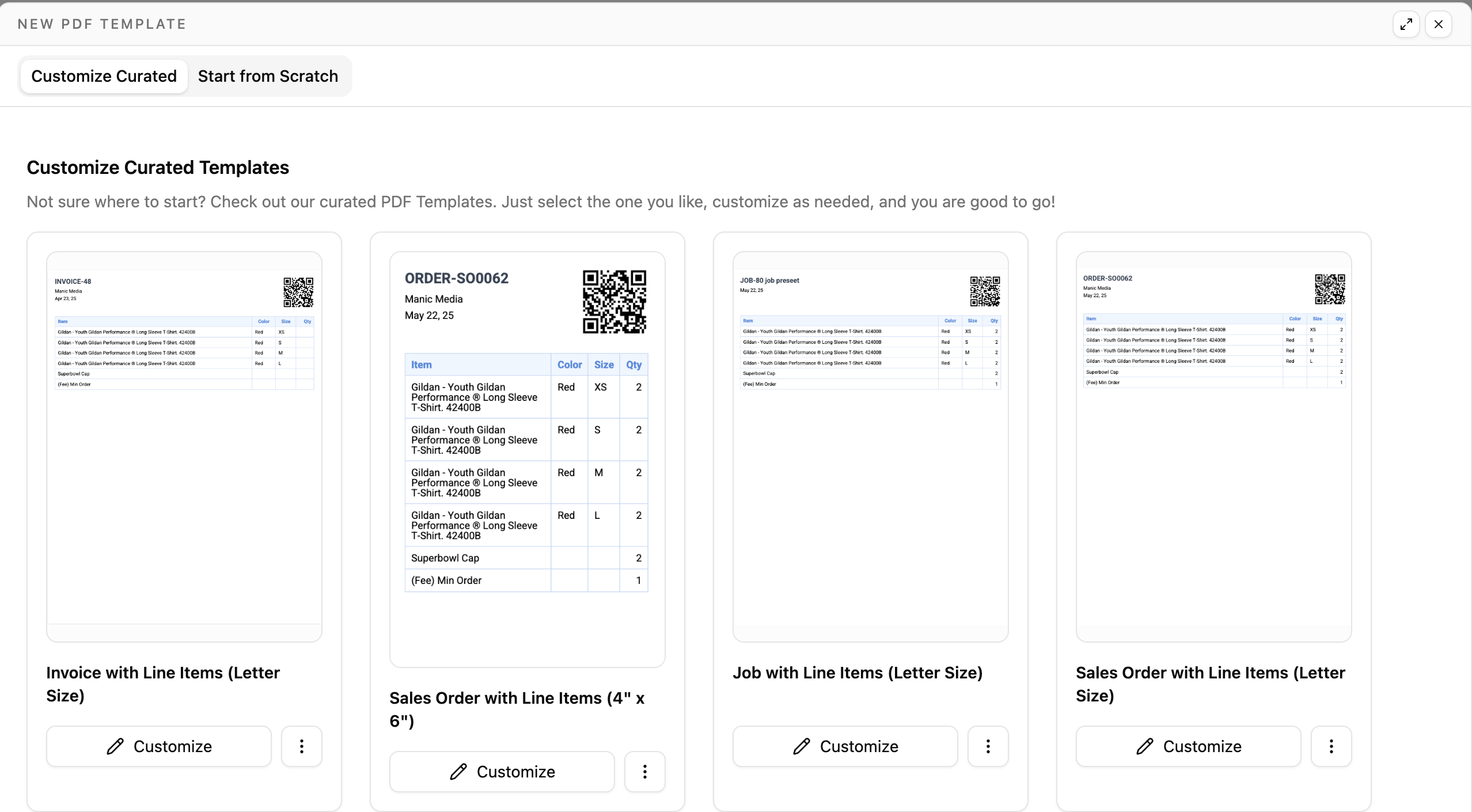
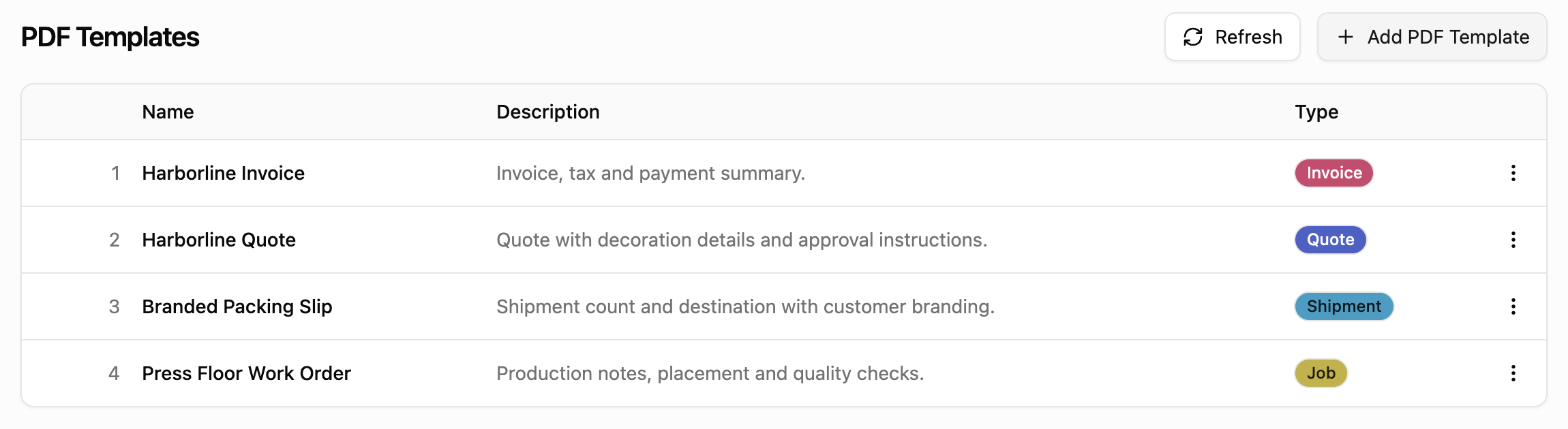
Every document, in your own design.
Create custom PDF templates so your orders, quotes, invoices, jobs, shipments, and purchase orders carry your shop’s branding.
- Orders
- Quotes
- Invoices
- Jobs
- Shipments
- Purchase orders
Customer communication
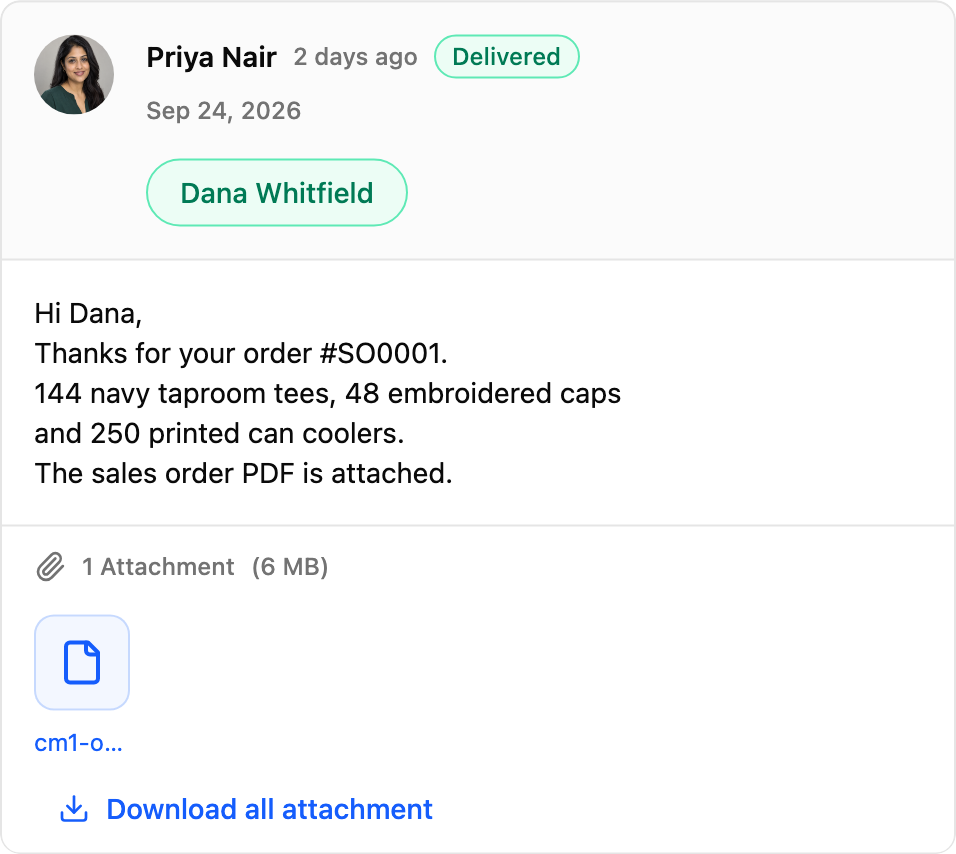
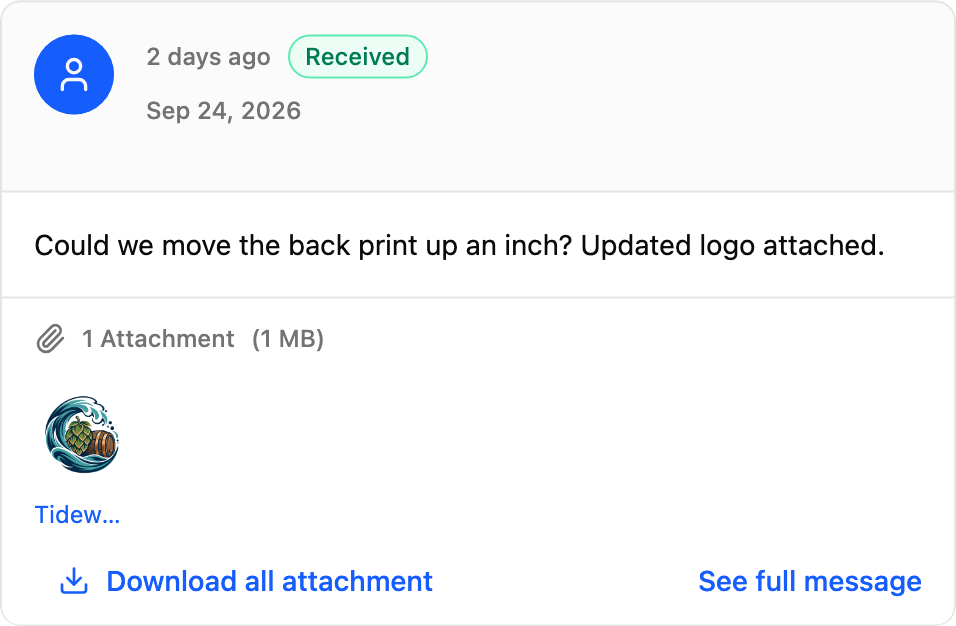
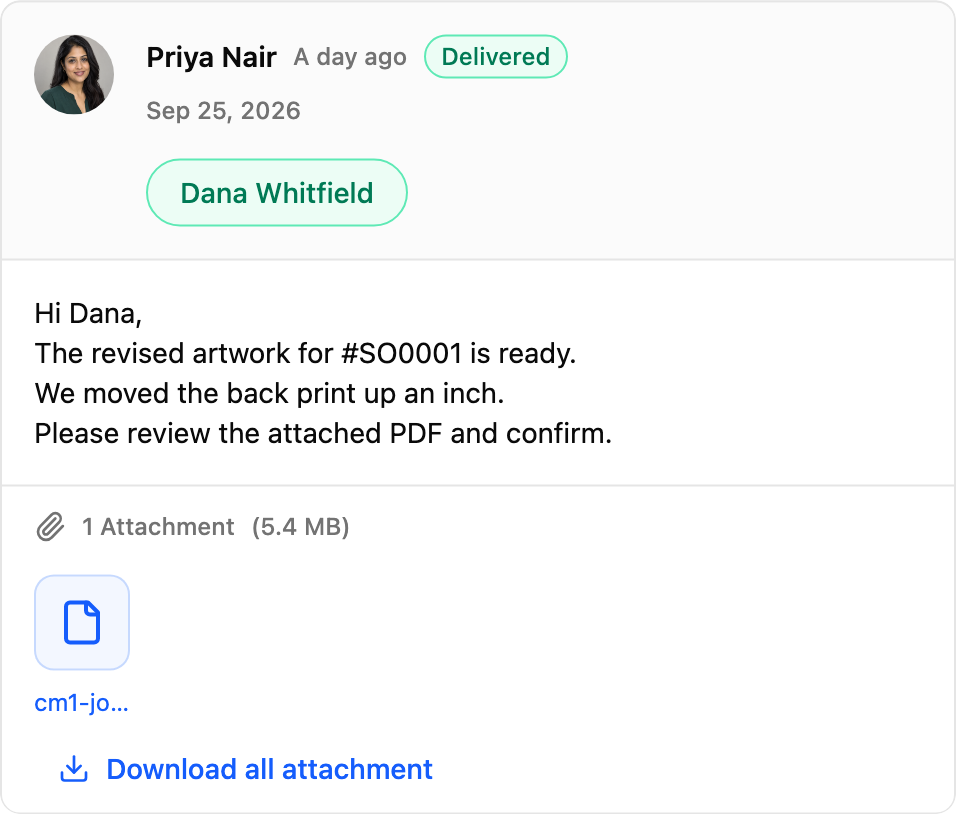
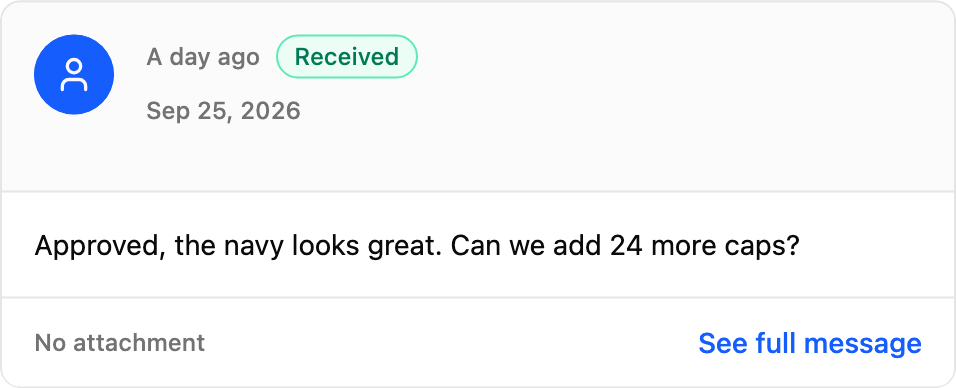
Every email about the order, on the order.
Centralize every customer email thread directly on the sales order. Pull up the order and review the full message history, so your team never has to search personal inboxes for approvals or change requests.
Integrations
Plugged into your suppliers, gateways, and carriers.
Pull supplier catalogs and pricing into quotes, take payment through the gateway you connect, and compare carrier rates and print labels through Shippo.
Supplier catalogs
Payment gateways
Shipping through Shippo
Accounting, SMS & automation







Webhooks
Send order events to your own systems.
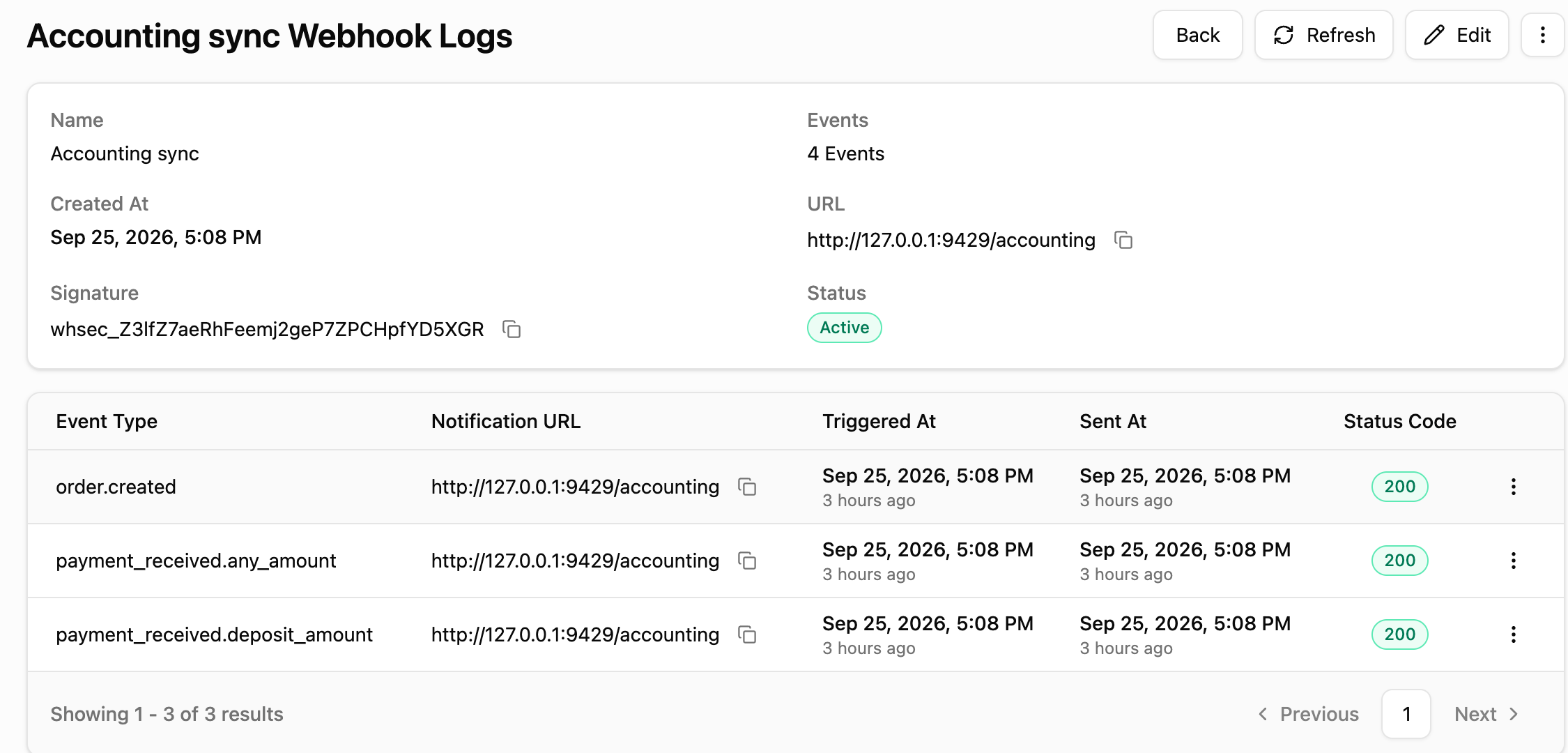
Connect custom endpoints, select the order events you need, and YoPrint sends automated payloads to your external apps. An integrated delivery log tracks every payload and server response.
- order.created
- payment_received.any_amount
- payment_received.deposit_amount
Beyond orders
YoPrint streamlines the rest of the shop too.
Orders kick off the work. YoPrint carries the same data across your production floor, customer portal, and inventory stockroom.
 Eliminate production inefficienciesSchedule every job, assign its tasks, and track each one to completion.
 Increase customer satisfactionEmpower clients to approve mockups, check order progress, and pay invoices online in a dedicated portal.
 Lower inventory costsTrack on-hand stock across your warehouse and generate purchase orders only for the blanks you need.
Ready to streamline your print shop?
Run your next order from quote to paid in YoPrint.
Try YoPrint free for 14 days, no credit card required.