
 QuickBooks Online
Keep QuickBooks. Lose the retyping.
Invoices, payments, and purchase orders sync to QuickBooks Online automatically, or only when you choose to push them.
Explore QuickBooks syncEmbroidery shop software
Quote by stitch count, keep every digitized file with its job, get logos approved online, and know which blanks are on the shelf. Your screen print and DTG work rides in the same order.
Free for 14 days. No credit card required.
One order, every decoration
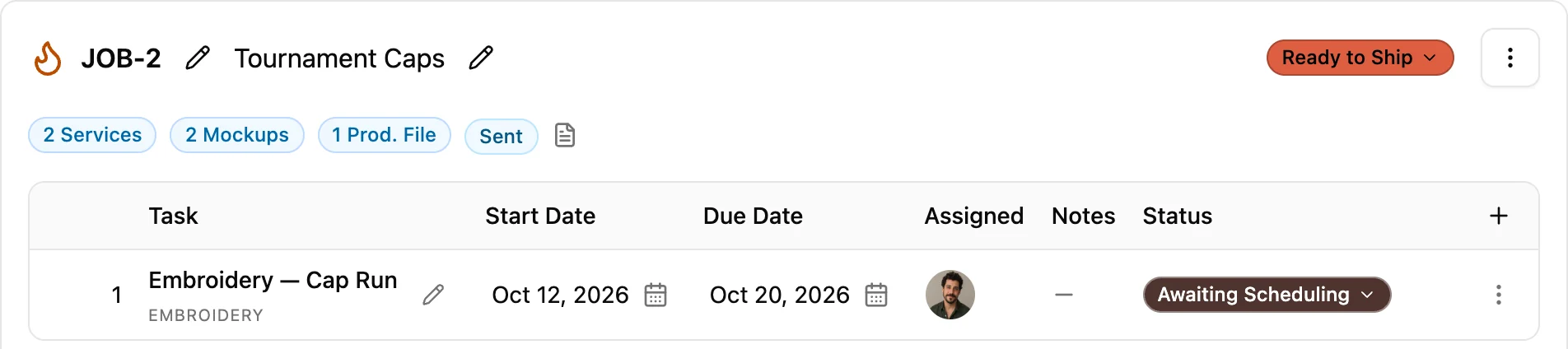
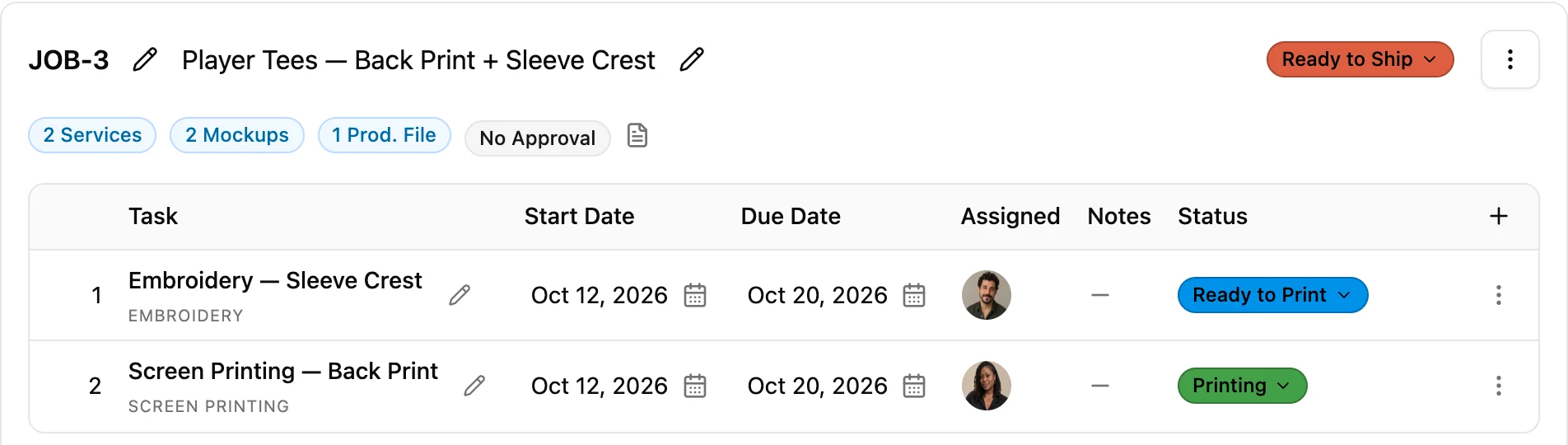
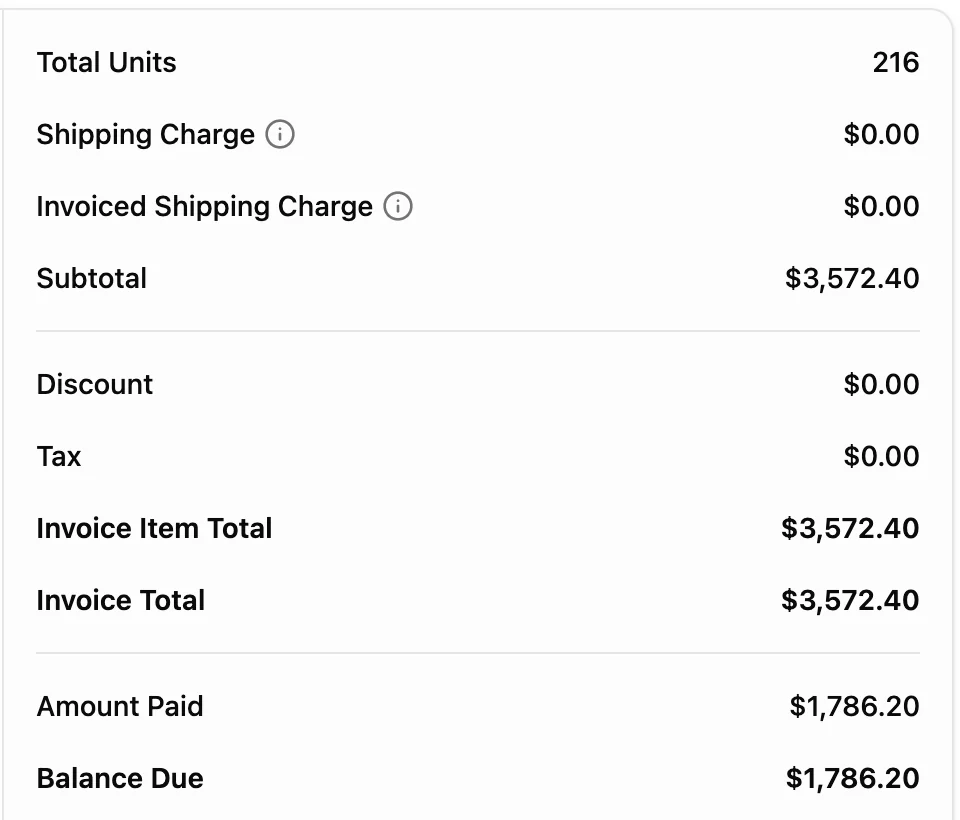
Put embroidered polos, printed tees, and a cap run on one sales order. Every job keeps its own decoration, placements, and schedule, and the whole order goes out on one invoice.
Explore order management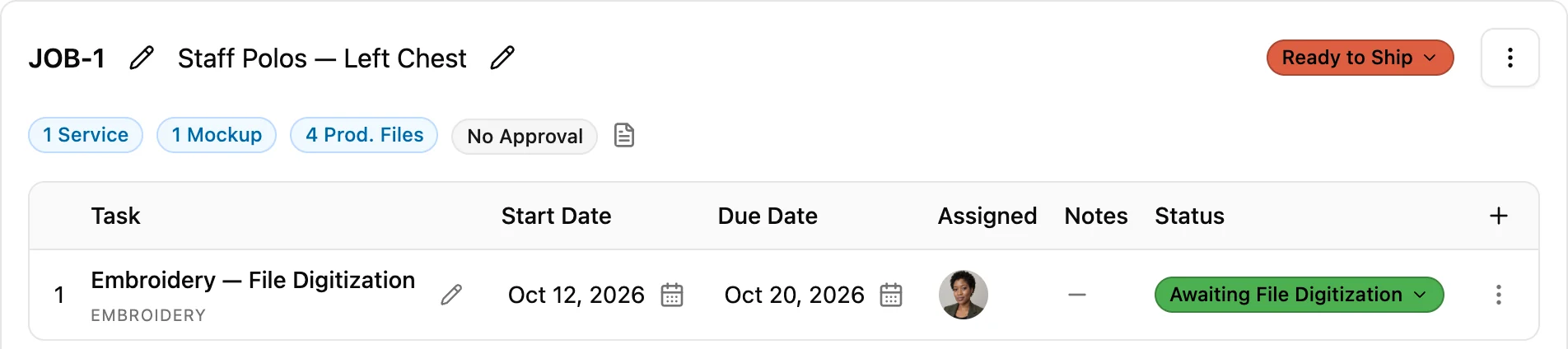
Price by stitch count
Set your embroidery rates once, by stitch count and quantity break. YoPrint calculates every line from your matrix, and secondary placements on the same job can carry their own rate.
Explore the pricing engine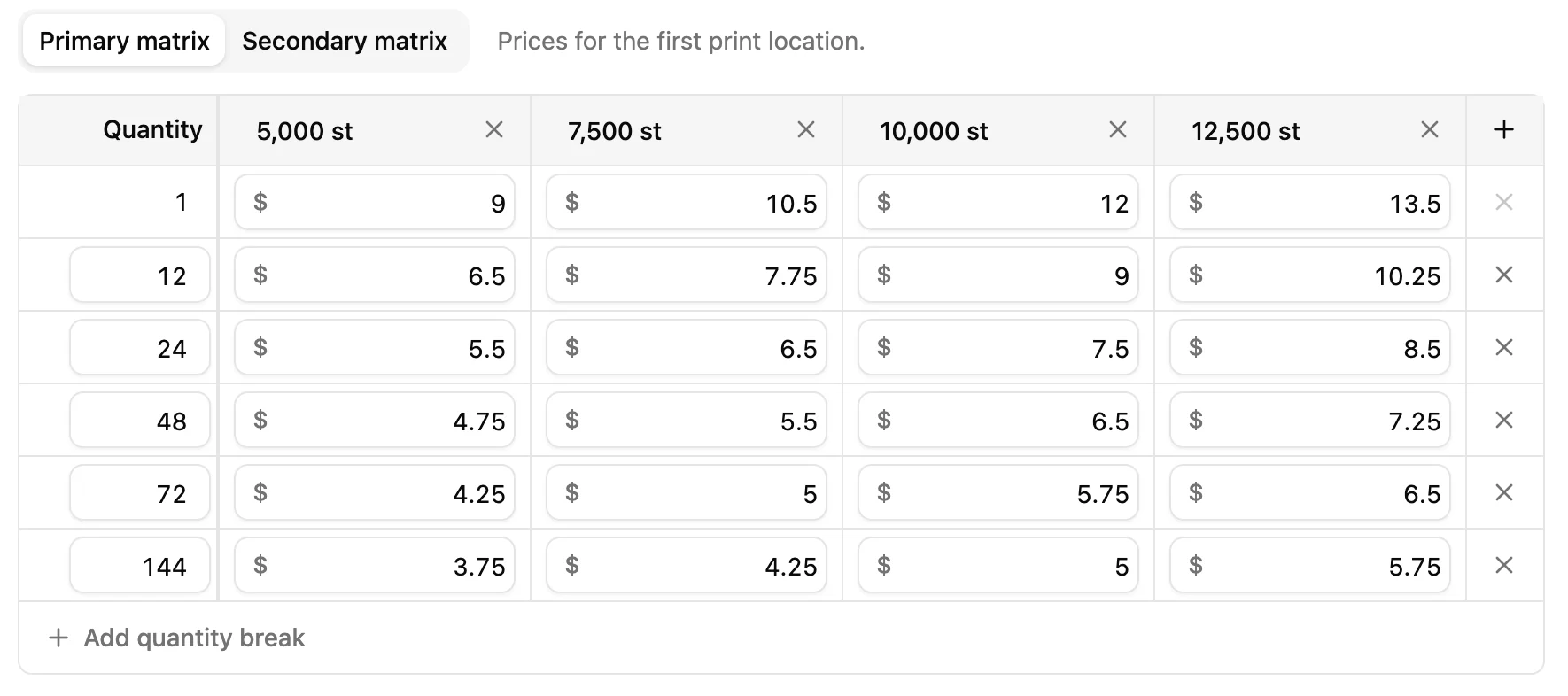
Files at the machine
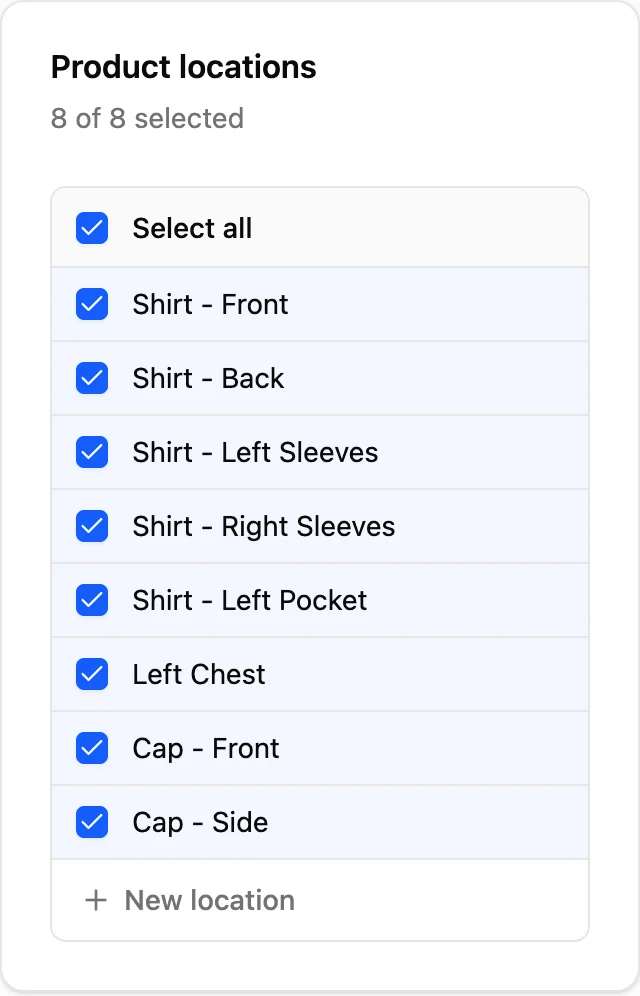
Stop hunting through folders and inboxes for the right stitch file. The digitized design lives right on the job, and the job is one quick scan away.
Explore barcode tracking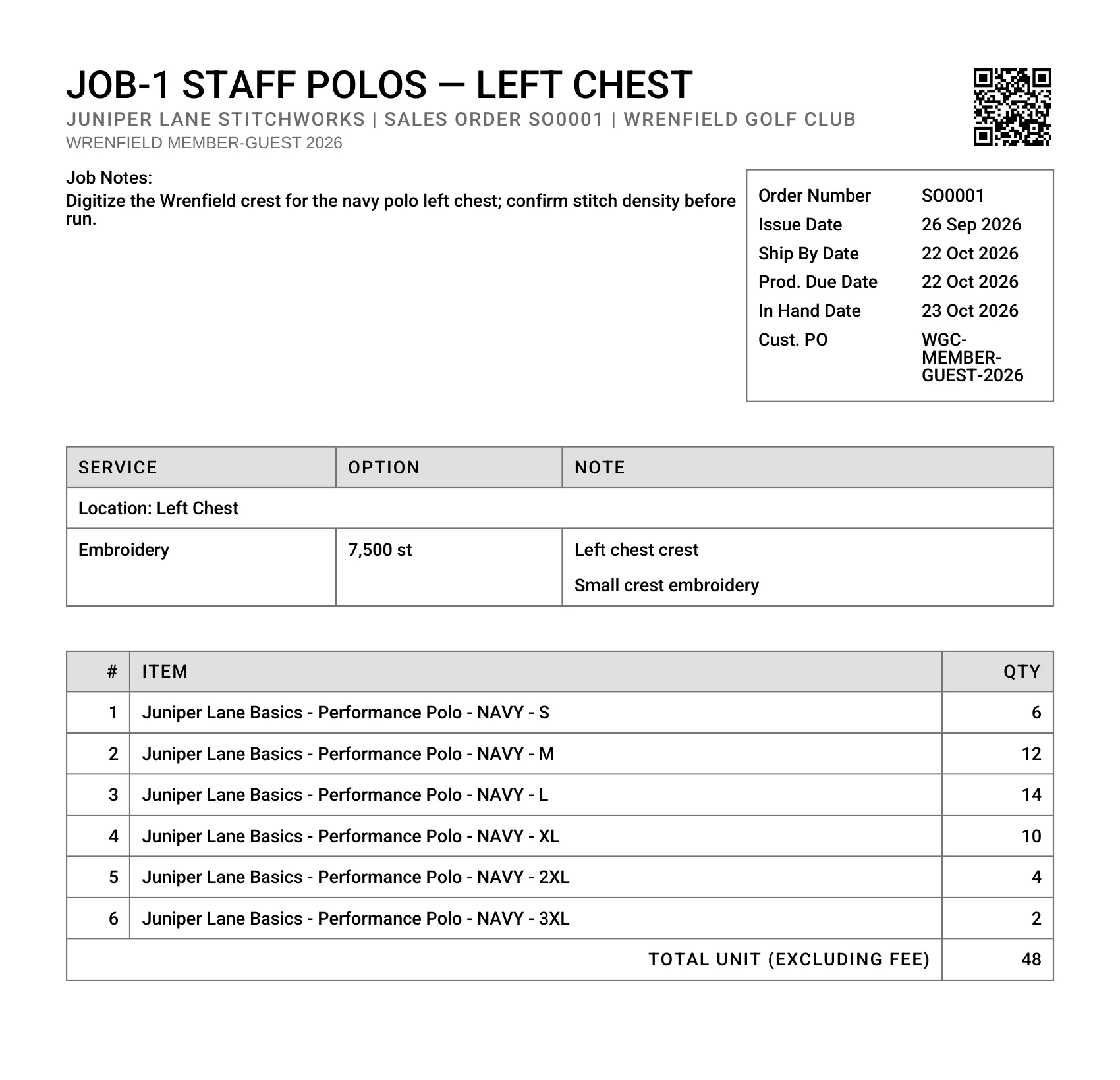
A barcode on every job sheet
Print the job sheet and its barcode travels with the garments right to the embroidery machine.
One scan to open it
Scan the sheet to open the job with the files, placements, and garment counts your operator needs.
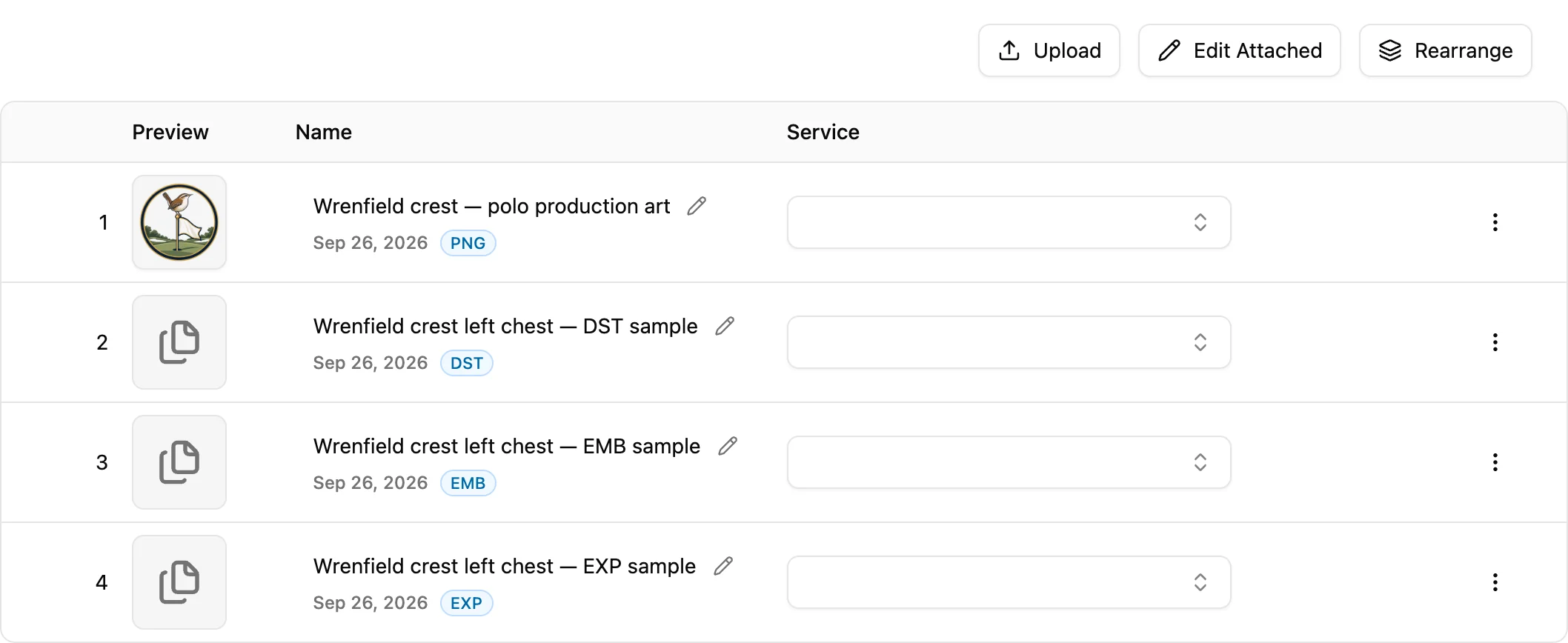
Every file on its job
Mockups and production files, including DST, EMB, and EXP uploads, stay with the job they belong to.
Customer portal
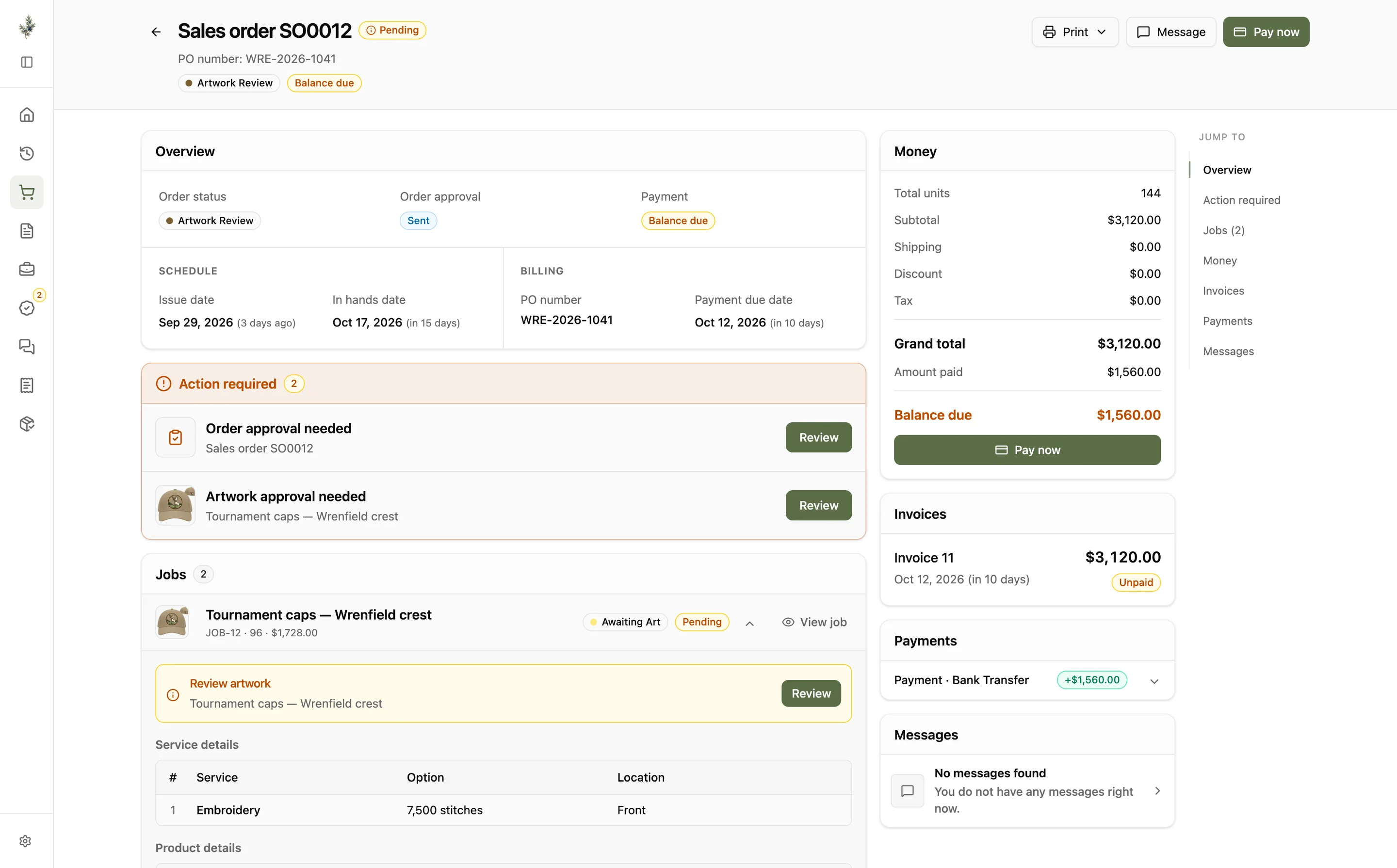
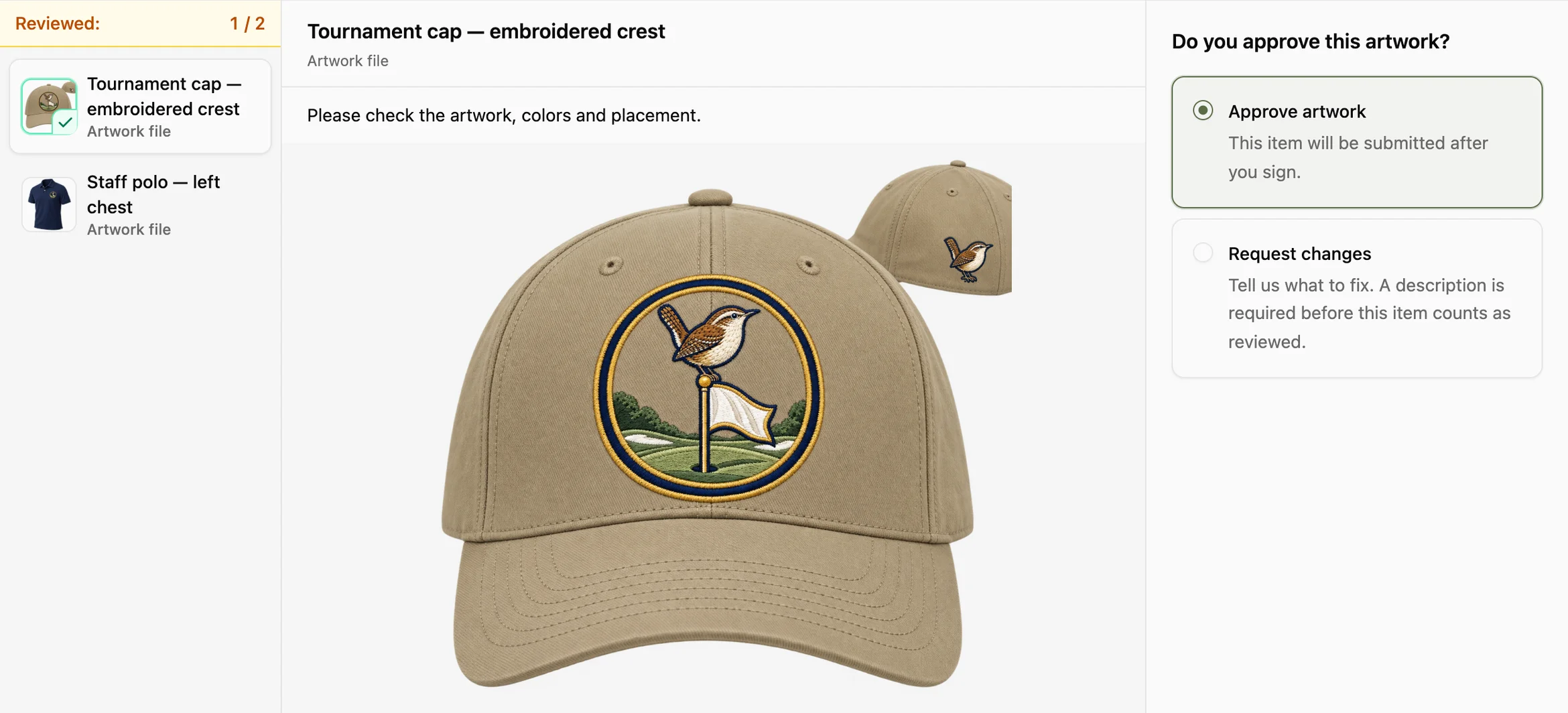
Your customers get their own portal for every order. They approve artwork, sign off on quotes, pay through your connected gateway, and message right on the order, so nothing goes in the hoop on a maybe.
Inventory
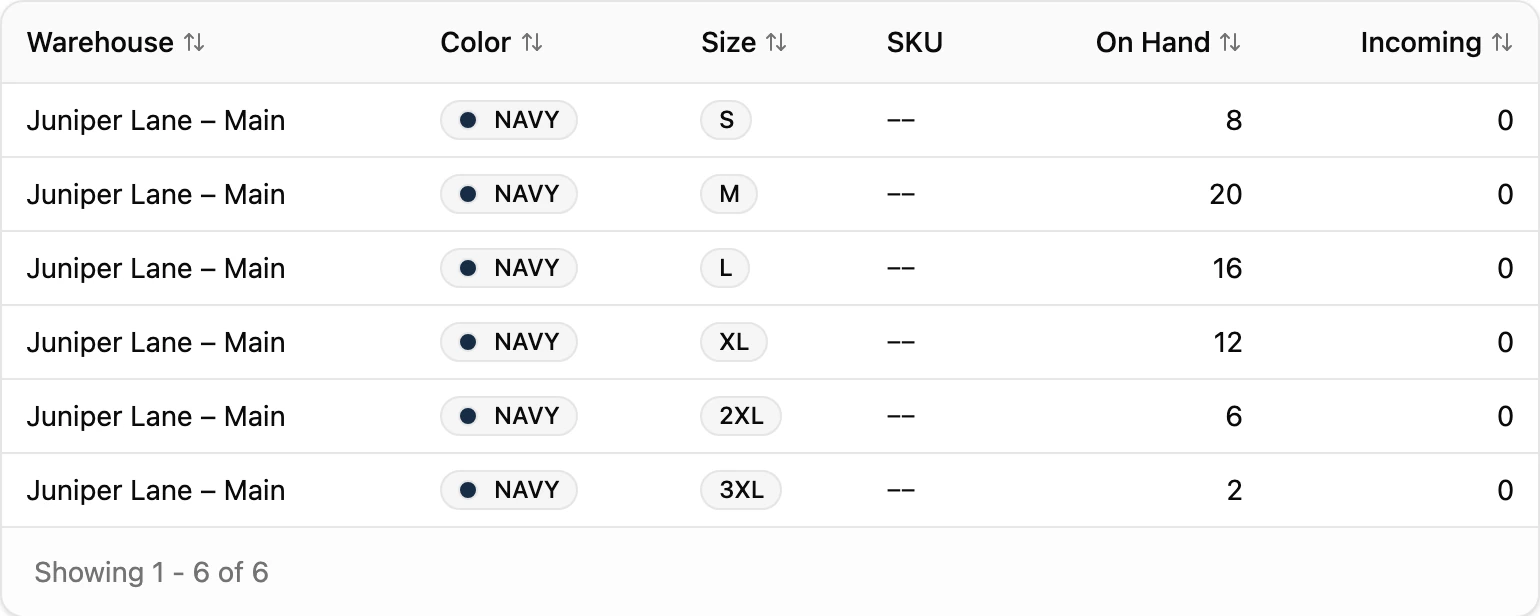
Check stock by size and color before you commit to a rush order, not after you walk back to the warehouse.
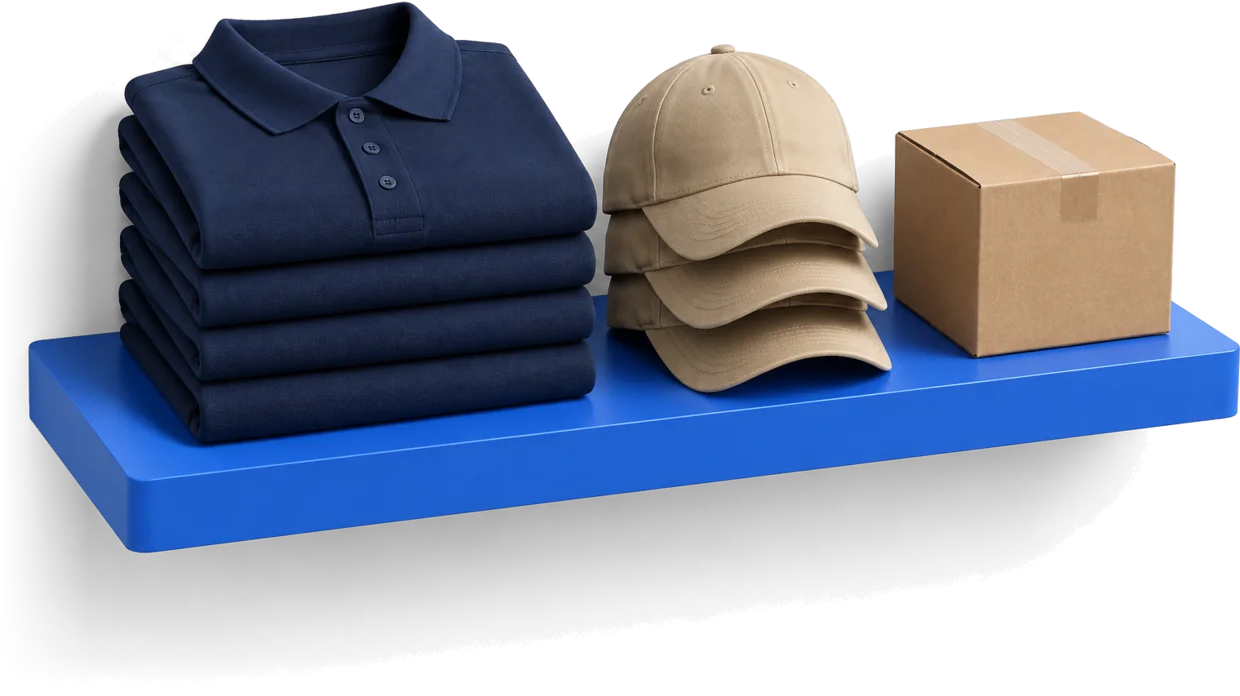
Explore inventory trackingTrack polos, caps, and jackets across every warehouse location you run.
See what blanks are already on the way before placing another supplier order.
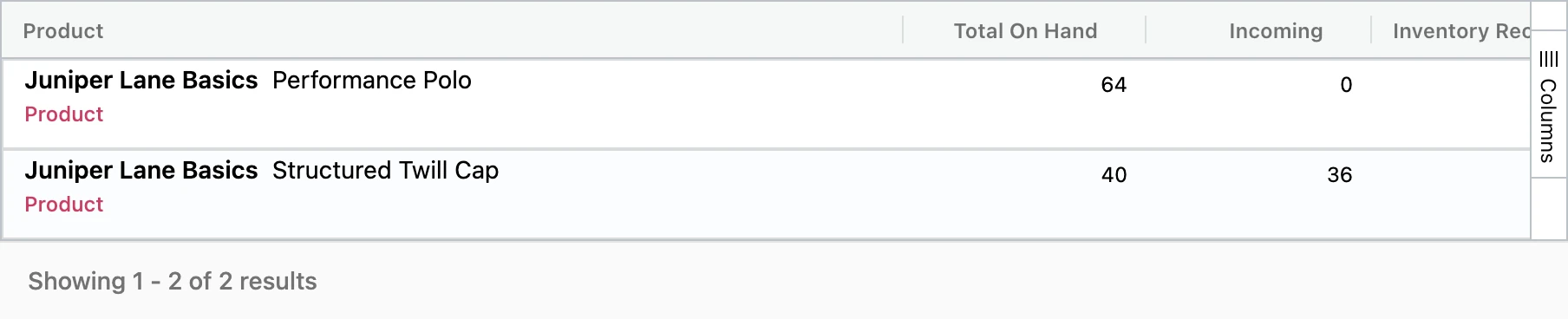

Set blanks aside for active production, and on-hand counts adjust as you allocate.
No credit card required.
“If you struggle with multiple machines and tracking it all down to make sure the order is getting done...they designed the job system to help!!”
 Mike LindsayA&J Screening
“Not only is the software amazing the customer service is above and beyond what could be expected. It is moving our business to another level of productivity. Thank YoPrint!”
 Frances BridgesJowess Industries Inc.
“The speed at filling out work orders is amazing now! The program automatically calculates all totals including tax...our customers love YoPrint too.”
 Trevor KarnsBoundary Waters Screenprinting
The rest of your shop runs from the exact same place.
Plan digitizing, embroidery, and print tasks on a Gantt chart, list, or calendar, and drag to reschedule. Rush jobs carry a flame icon so priority runs stand out.
Explore production management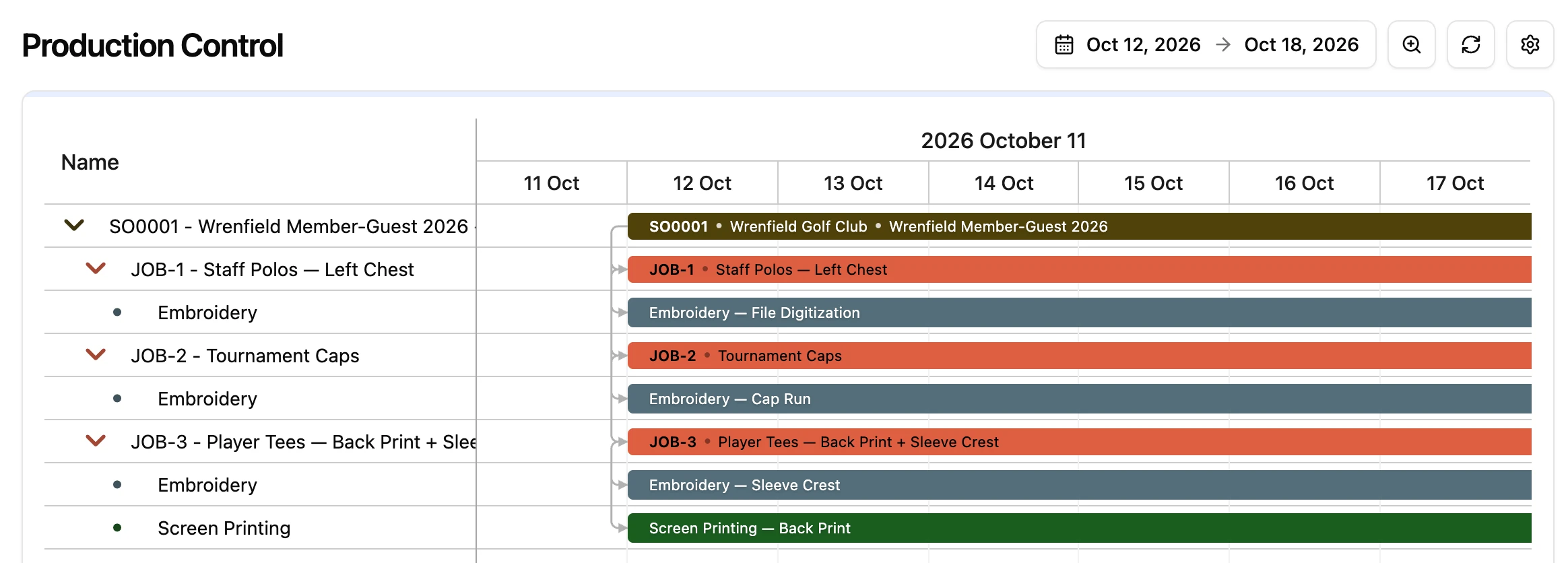 QuickBooks Online
Invoices, payments, and purchase orders sync to QuickBooks Online automatically, or only when you choose to push them.
Explore QuickBooks sync



Connect your supplier accounts to see live stock and your account pricing from SanMar, S&S Activewear, Momentec, and AS Colour without leaving the quote.
Explore supplier catalogsMost shops run more than one decoration process. YoPrint handles screen printing, DTF, DTG, and promotional products with the same ease, in the very same orders.
Try YoPrint free for 14 days, no credit card required.


