
Everyone knows their assignments
Create tasks for the people and teams who run the work. Each person sees what is theirs and when it is due, and updates the task as it moves across the floor.
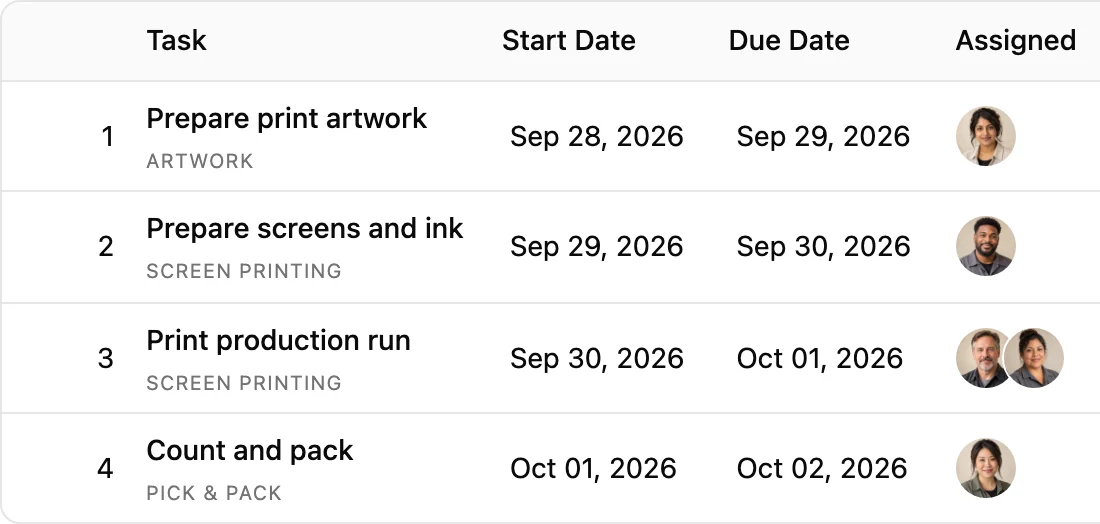
Plan every job in a list, a calendar, or a Gantt chart. Assign owners to every task, adjust dates as jobs move, and keep your entire shop running on one live schedule from artwork to the shipped box.
Free for 14 days. No credit card required.
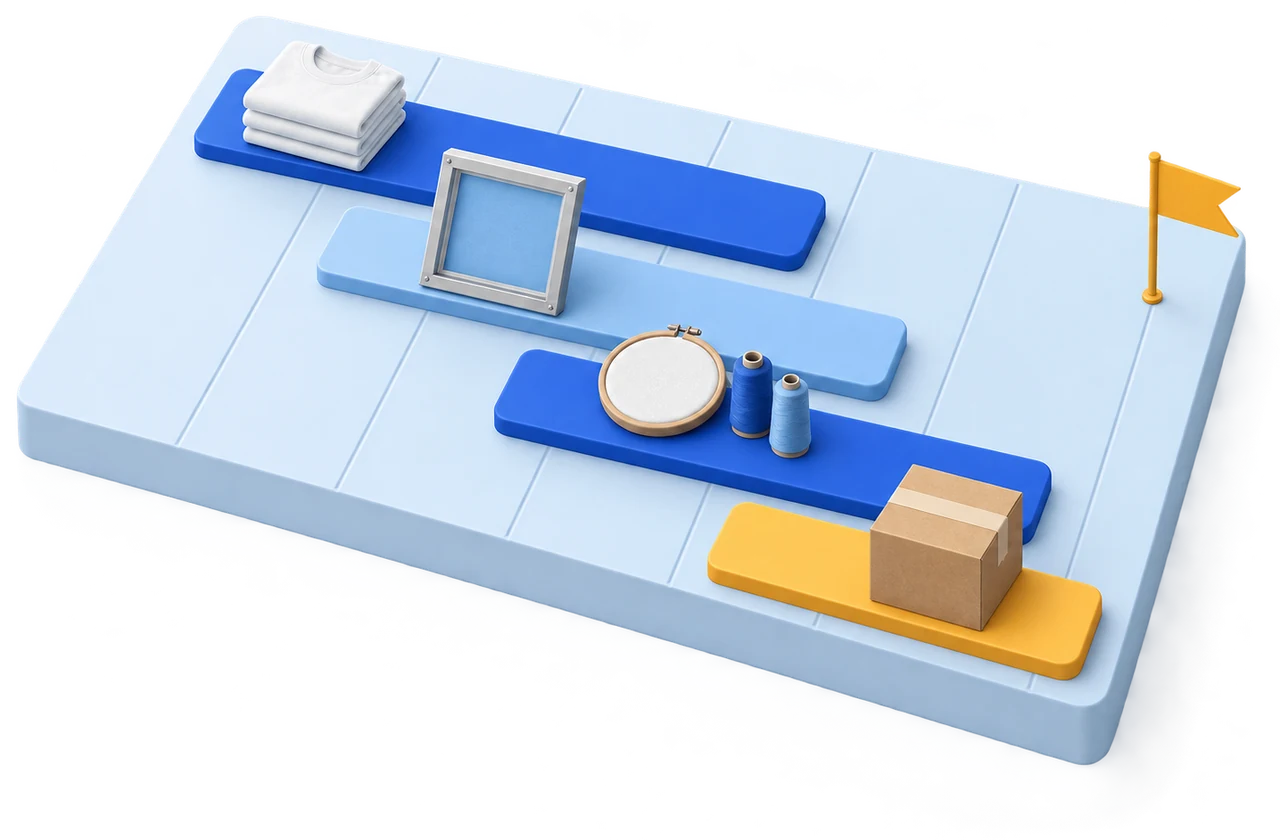
Production planning at any scale
Plan and schedule production in the view that fits your shop best, and switch between them in a click. Every view stays in sync across the same jobs.
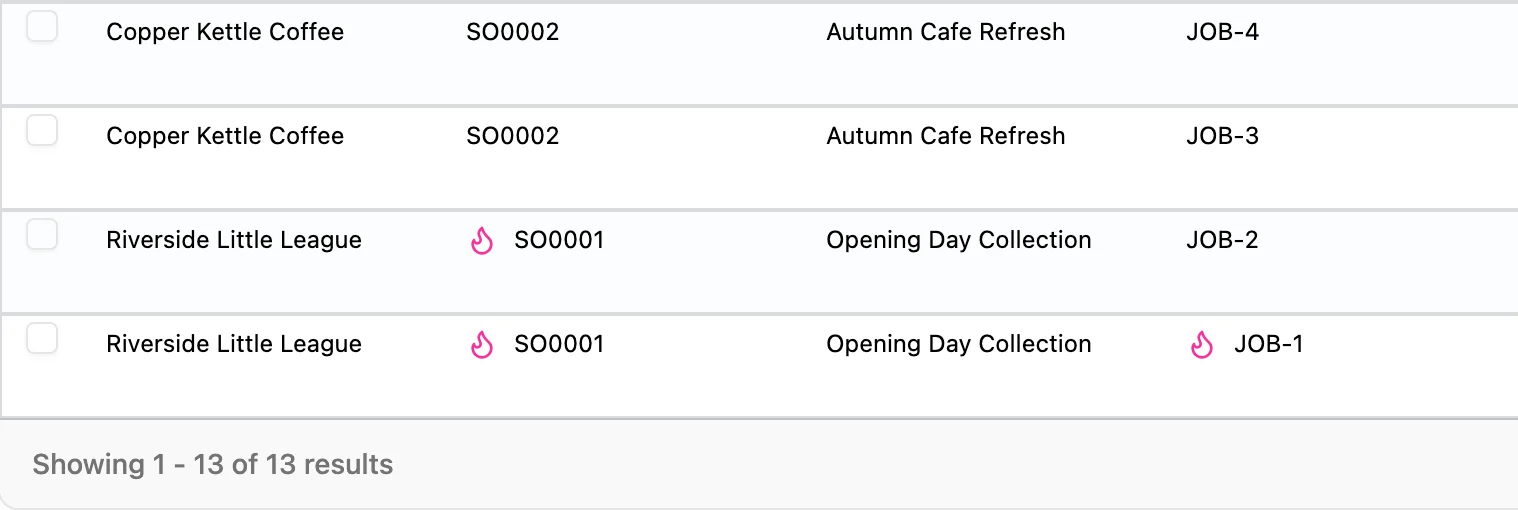
01ListFor shops that like it itemized
Choose the columns you want, sort by what matters most, and spot priority orders with their rush flags. Open any job to update details, assign team tasks, and log production notes.
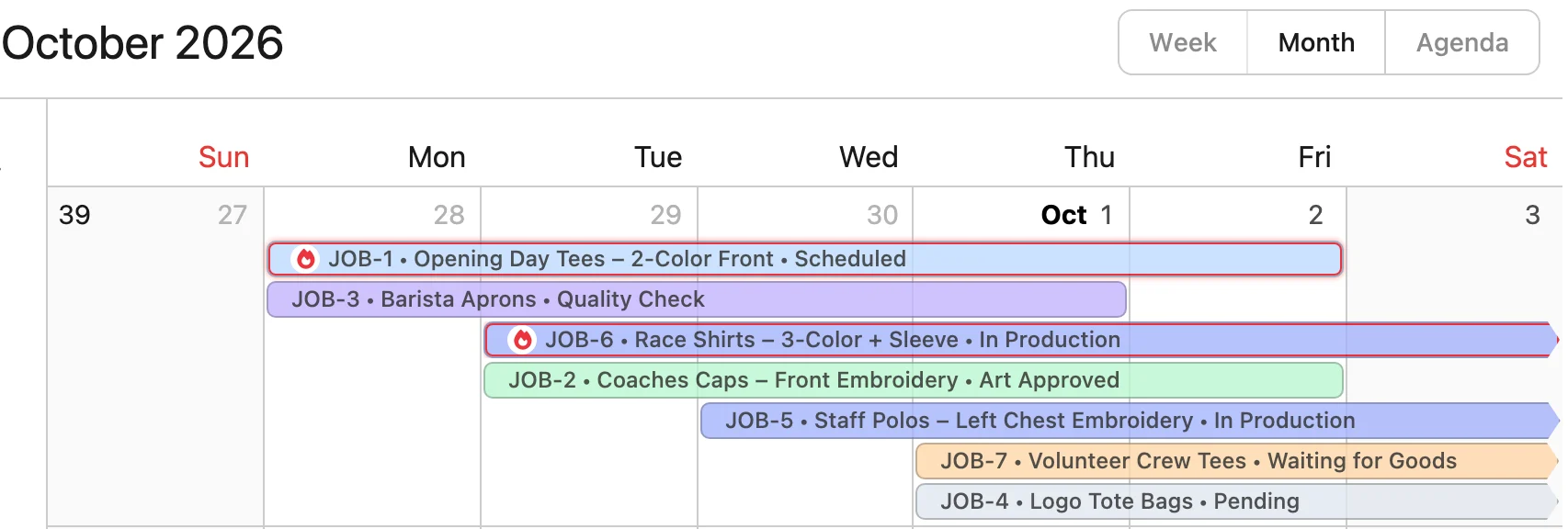
02CalendarFor smaller shops
Designed for visual scheduling. Filter jobs by status to focus your floor, and drag a job to shift its production dates. Double-click any job to update details, assign tasks, attach files, and post comments.
03GanttFor medium to large shops
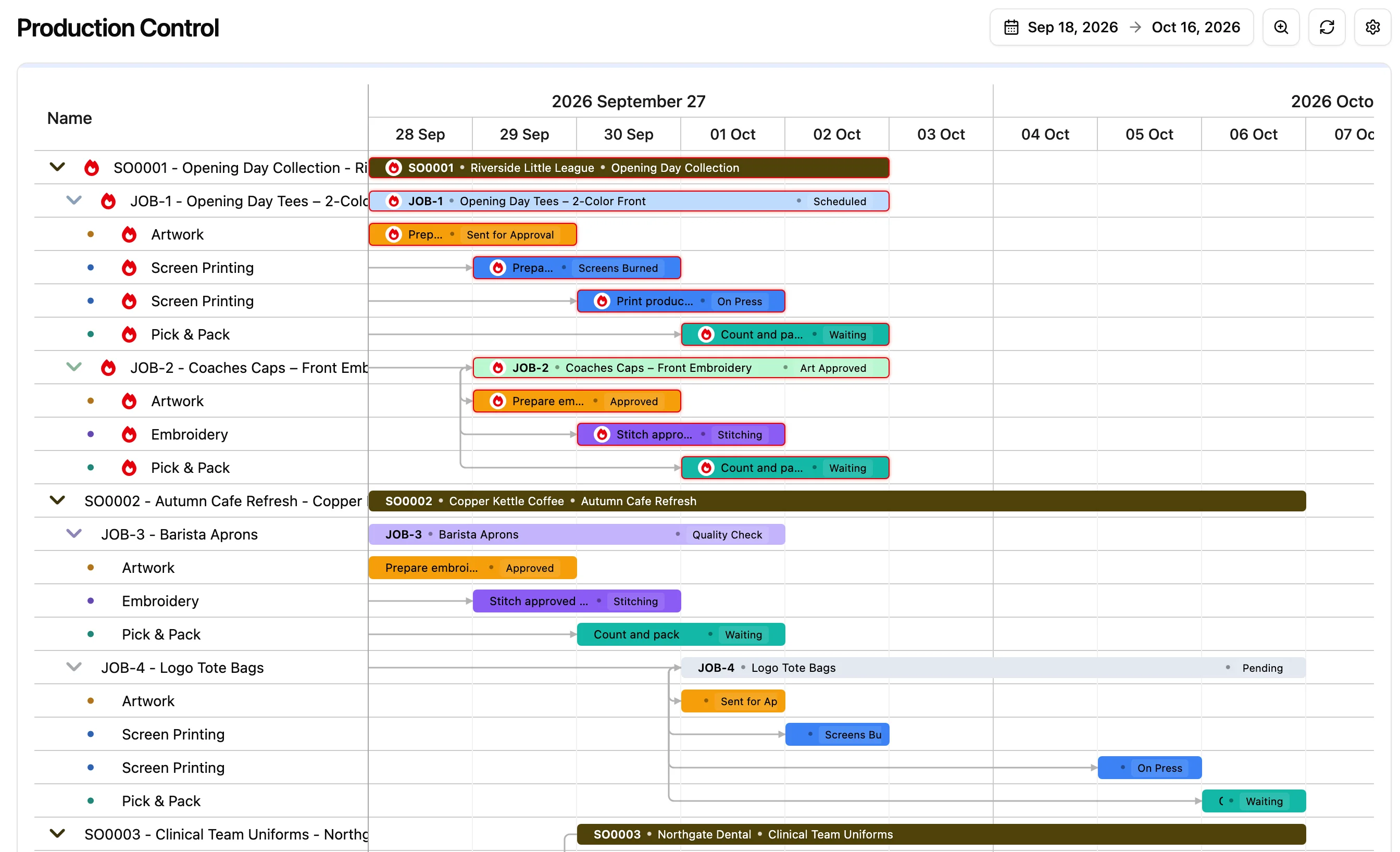
Rush work stands out with its own flag.
See each job’s tasks laid out day by day.
Drag or stretch a bar to reschedule it.
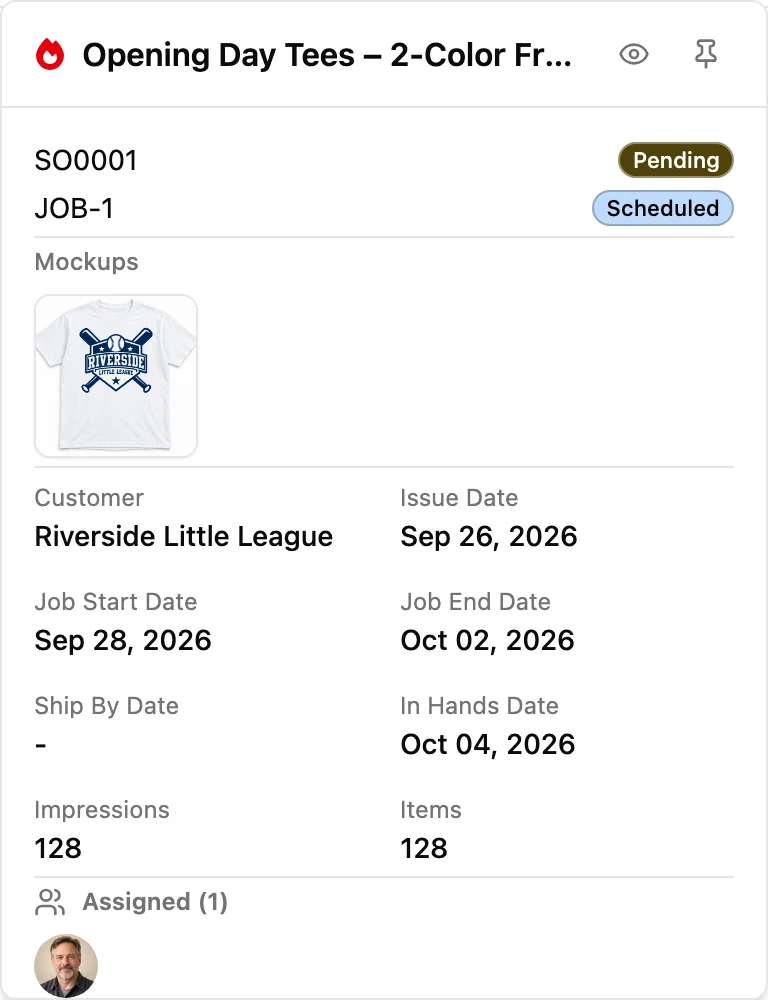
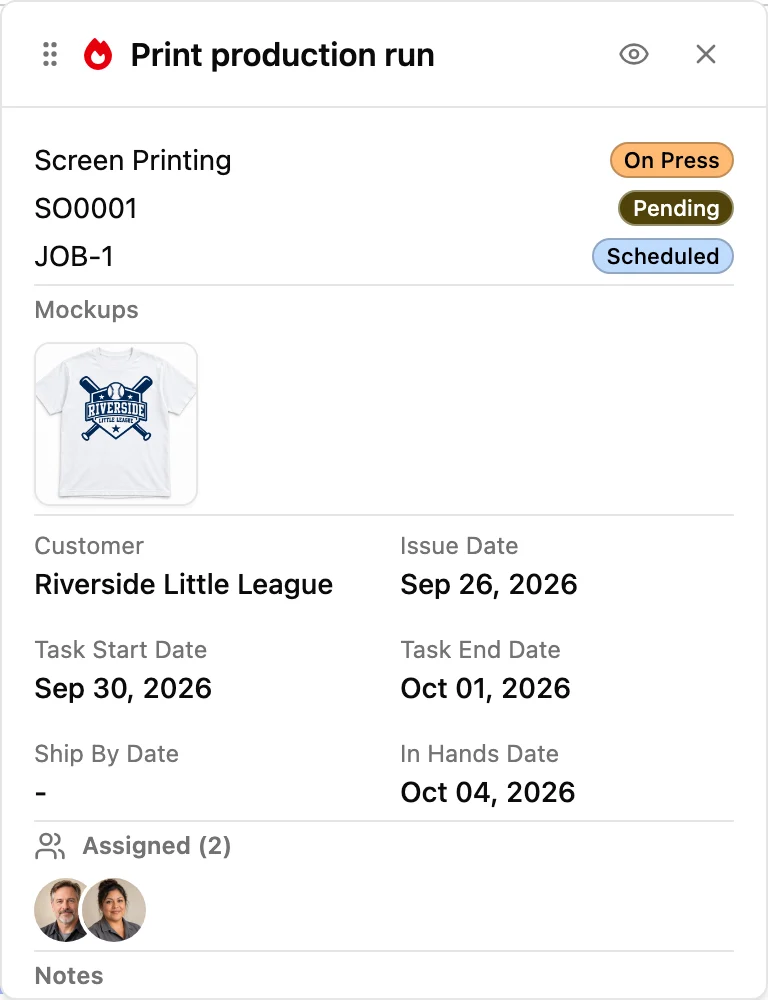
Click any bar to open its card in place. Pin up to three cards to keep them open.
Start your 14-day free trial today
Manage your workflow your way
Create tasks for the people and teams who run the work. Each person sees what is theirs and when it is due, and updates the task as it moves across the floor.
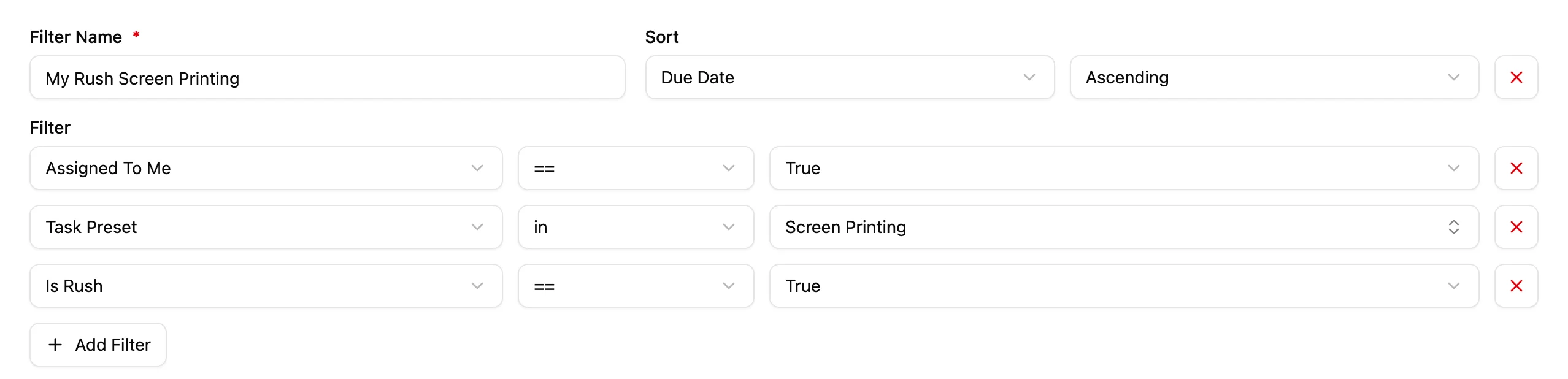
Clear the clutter with focused filters. Filter jobs and tasks by status, isolate what is assigned to you, or focus on rush work, then save each custom view for next time.
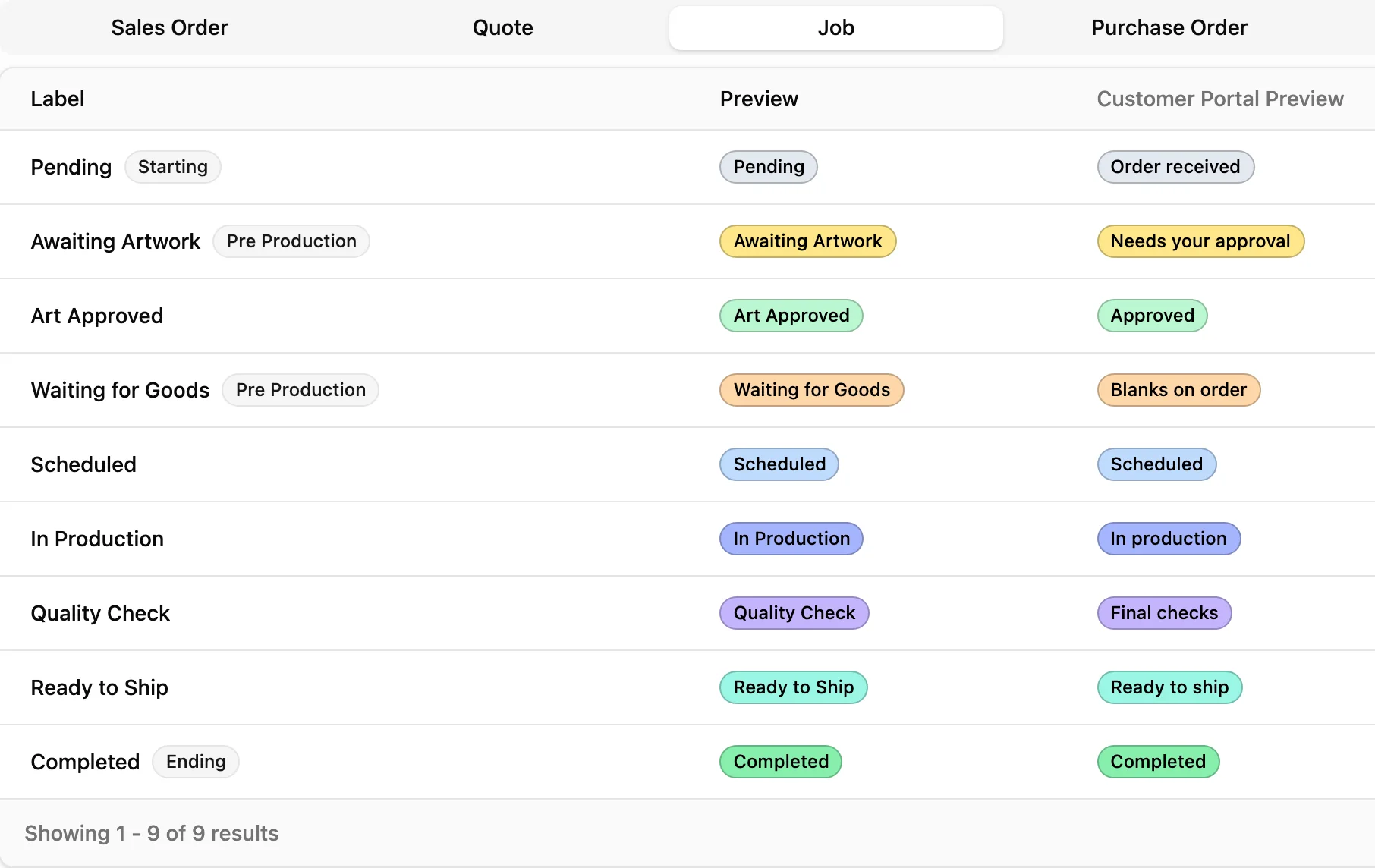
Name your own job, order, and task statuses, from “Pending” all the way to “Completed”, and choose what customers see in their portal.
Task presets
Build presets around your shop’s own steps to match your workflow.
Hear from our clients

If you struggle with multiple machines and tracking it all down to make sure the order is getting done...they designed the job system to help!!
“YoPrint streamlines many aspects of customer service including quick and straight forward quoting, integrated emails for correspondence, online approvals and web payments.”
 Eric JimenezInked Up Graphics
“The speed at filling out work orders is amazing now! The program automatically calculates all totals including tax...our customers love YoPrint too.”
 Trevor KarnsBoundary Waters Screenprinting
Breeze through production
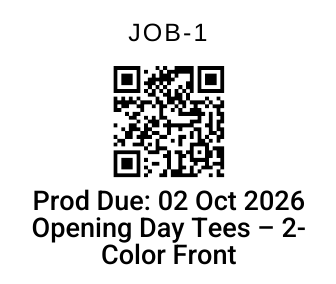
Worksheets, job labels, packing slips, and shipping labels print with scannable barcodes. Scan with a USB scanner, a wireless scanner from any screen, or a tablet camera to open the order or job it belongs to.
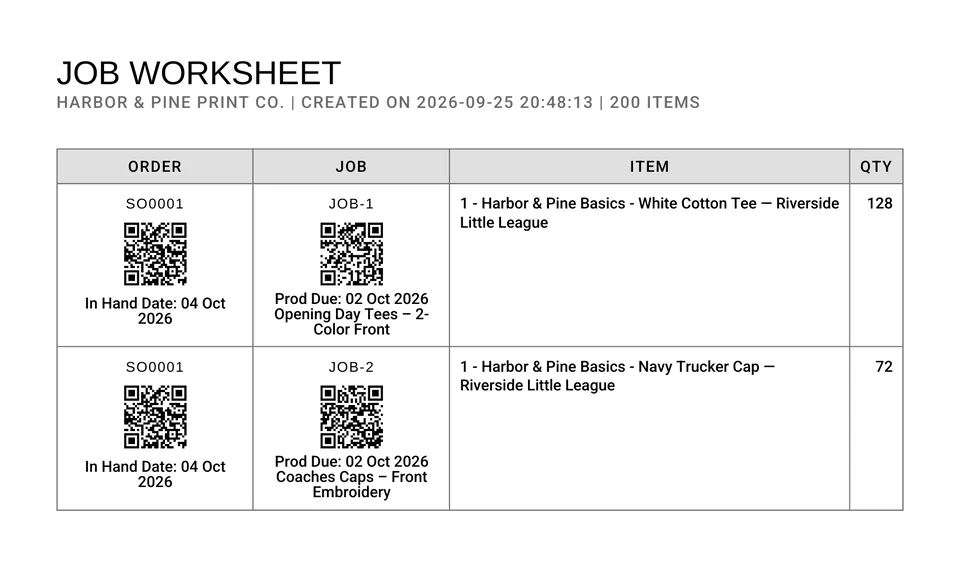
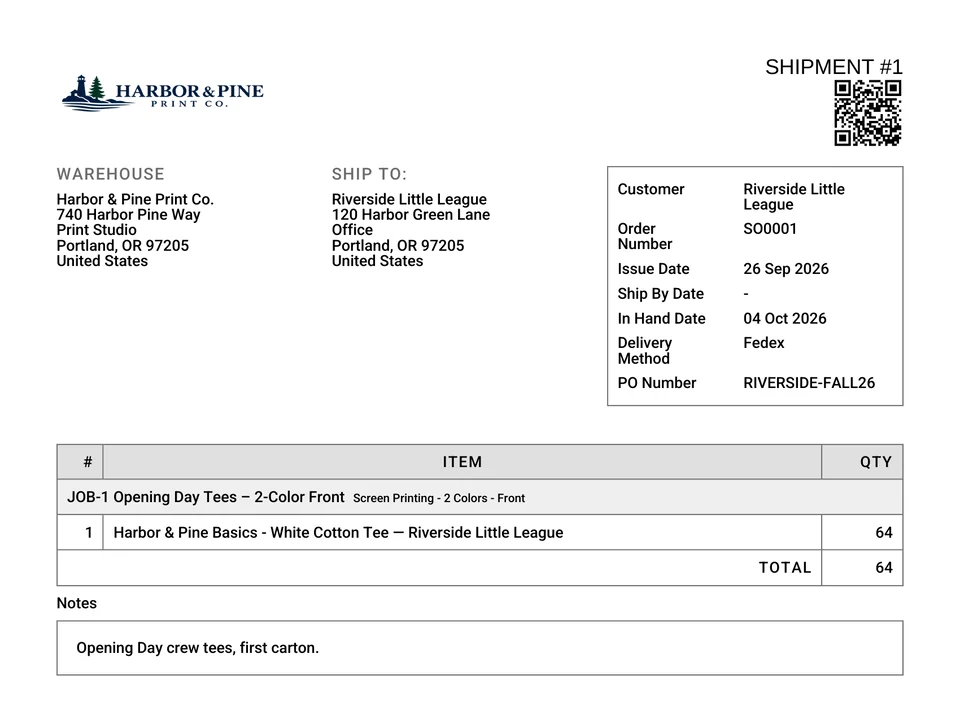
Print the packing slip, generate carrier labels directly through the Shippo integration, and ship without switching systems. Customers follow tracking in their portal, while customer brand profiles let you print white-label slips for blind shipping and dropshipping.
YoPrint streamlines other processes too
 Close more salesQuotes, orders, and invoices built from the same records your production runs on.Learn more
  Increase customer satisfactionA self-service portal where customers approve artwork, pay, and check on their orders.Learn more
  Lower inventory costsKnow what’s on the shelf and what each job needs before you order more.Learn more
 Try YoPrint free for 14 days, no credit card required.